
Description
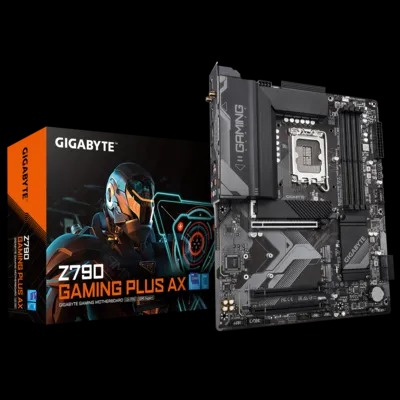
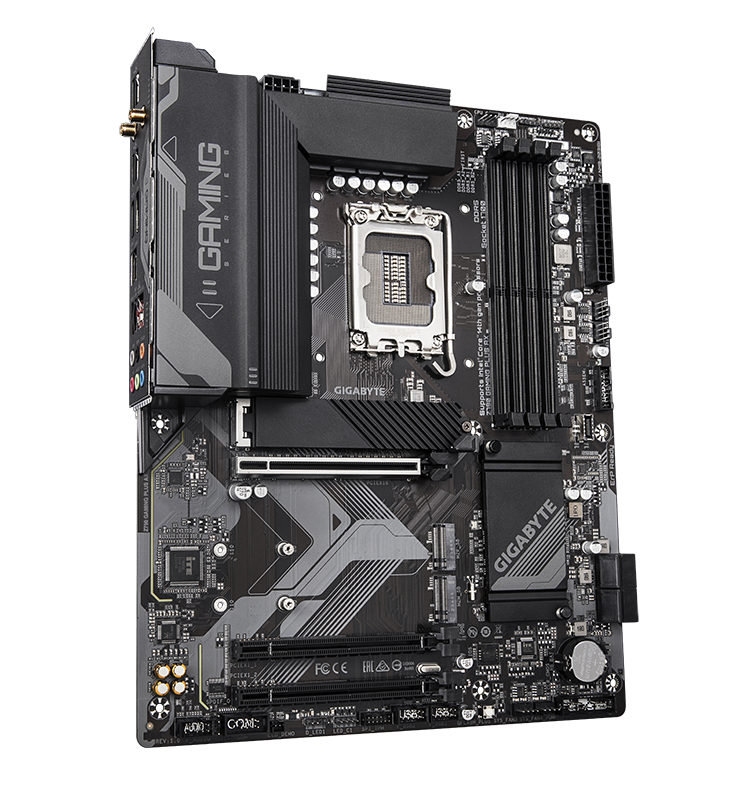
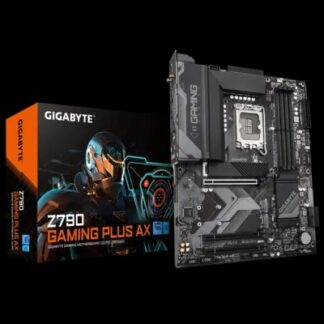
Z790 GAMING PLUS AX
- Supports Intel® Core™ 14th/ 13th /12th processors
- Unparalleled Performance:Hybrid 8+1+1 Phases Digital VRM Solution
- Dual Channel DDR5:4*DIMMs XMP Memory Module Support
- Next Generation Storage:3*PCIe 4.0 x4 M.2 Connectors
- Advanced Thermal Design & M.2 Thermal Guard:To Ensure VRM Power Stability & M.2 SSD Performance
- EZ-Latch:PCIe 4.0×16 Slot with Quick Release Design
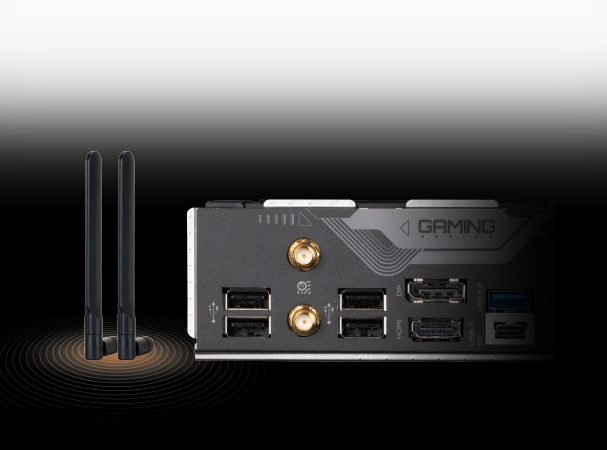
- Fast Networks:2.5GbE LAN & Wi-Fi 6 802.11ax
- Extended Connectivity:Front USB-C® 10Gb/s, DP, HDMI
- Smart Fan 6:Features Multiple Temperature Sensors, Hybrid Fan Headers with FAN STOP
- Q-Flash Plus:Update BIOS Without Installing the CPU, Memory and Graphics Card

Durable Performance
GIGABYTE Ultra Durable™ motherboards built with optimal components inside out provide the prime performance and timeless platform.

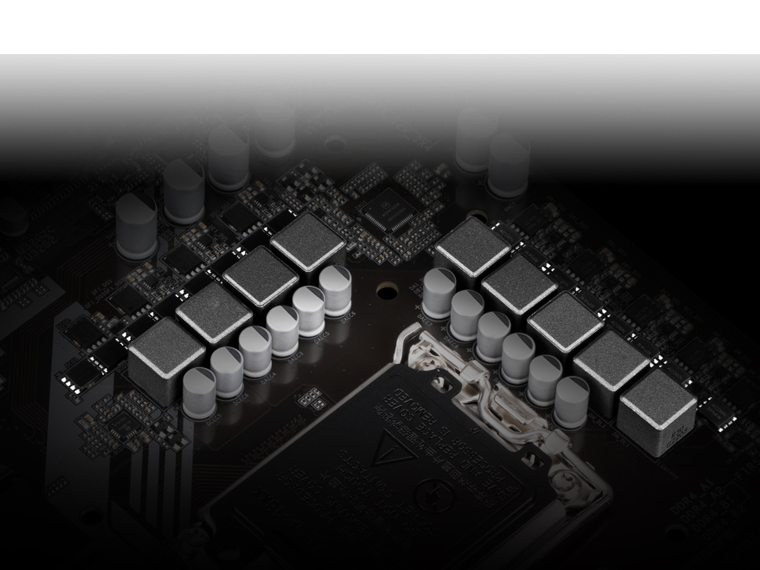
Digital VRM Design
The best VRM design ever built with the highest quality components.
• 8+1+1 Phases digital PWM + Low RDS(on) MOSFETs
• Support the latest CPUs, and deliver enhanced system performance and ultimate hardware scalability.
* Photo for reference only.

Unlock DDR5
DDR5 Overclocking Up to 7600 and Beyond*
GIGABYTE is offering a tested and proven platform with extreme memory performance boost.
* Memory overlocking and XMP profile support may vary depending on hardware configuration.
* Please see the complete validated memory support list. Product features may vary by model.
Shielded Memory Routing
All memory routing is under the PCB inner layer shielded by a large ground layer to protect from external interference.
Impedance Optimized Topology
By optimizing memory trace width, length and style from HPC simulation to actual implementation, overall impedance is lowered between CPU memory controller and memory modules to achieve higher DDR5 speed.
Low Signal Loss PCB
Server grade mid-loss or low-loss PCB material is chosen to lower signal loss inside PCB and maintain DDR5 high speed signal transmission.
Unlock DDR5 Voltage
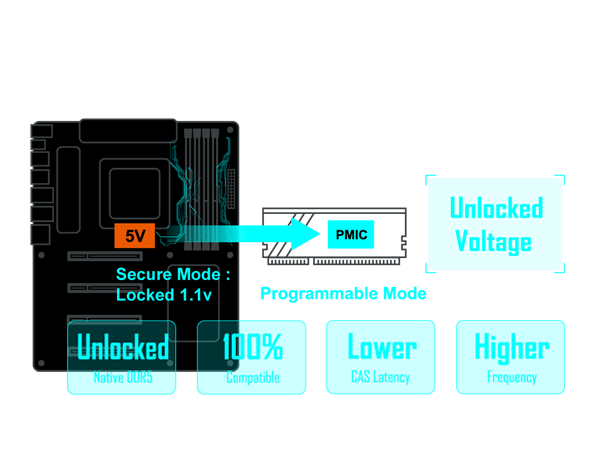
GIGABYTE Exclusive DDR5 Circuit Design Increases DDR5 memory overclocking performance and capability by transforming Native DDR5 memory module to Overclocked DDR5 memory.
Secure Mode
Motherboard provides fixed 5V to Native DDR5 memory and built-in PMIC outputs locked 1.1v to memory IC.
- • Unlocks Native DDR5 PMIC secure mode into programmable mode and controls Native DDR5 voltage with wide range.
- • Supports all PMIC vendors for maximum compatibility
* Memory overclocking capability will vary based on users’ hardware configuration
Achieve Higher DDR5 Memory Frequencies with Ease
DDR5 XMP Booster function provides optimized pre-defined profiles, based on memory IC and PMIC vendor analysis, for effortless performance enhancement and elimination of manual configuration for overclocked DDR5 memory kits.
* DDR5 MEMORY UPGRADE involves DDR5 memory overclocking, overclocking capability depends on users’ hardware configuration.
Accelerate instantly
Boost memory performance instantly.
Automate input
No need to manually configure multiple memory parameters like clock, voltage, and timings.
Streamline overclocking
Easily overclock Native and XMP 3.0 DDR5 memory to higher frequencies.
Integrate database
Built-in database of pre-tuned profiles for different memory IC vendors.
Maximize DDR5 performance with your memory settings
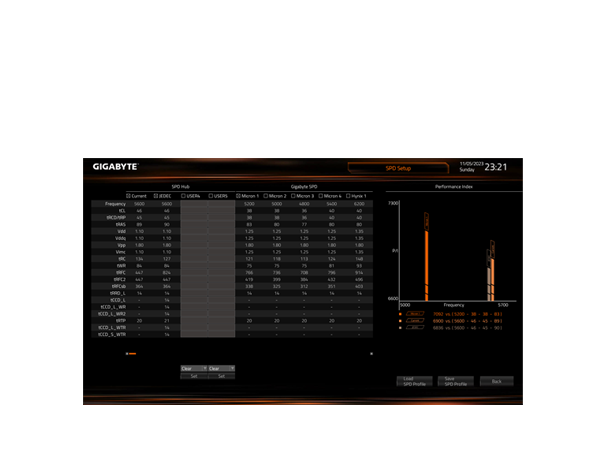
XMP 3.0 User Profile empowers you to optimize your memory settings and achieve the best performance for your system.
- SPD Re-defined or retrieve from database
Users can define two empty SPD profiles and transfer them to another computer.
- SPD Re-defined or retrieve from database
- Performance Simulation
Simulate memory performance quickly by inputting clock and timing parameters.
- Performance Simulation
- Save/Load Profile
Save and load memory profiles for online sharing.
- Save/Load Profile
- Boost non-overclockable DDR5 memory frequency
Increase the frequency of non-overclockable DDR5 memory.
- Boost non-overclockable DDR5 memory frequency
- One-click Clear Profile
Reset memory settings conveniently.
Thermal
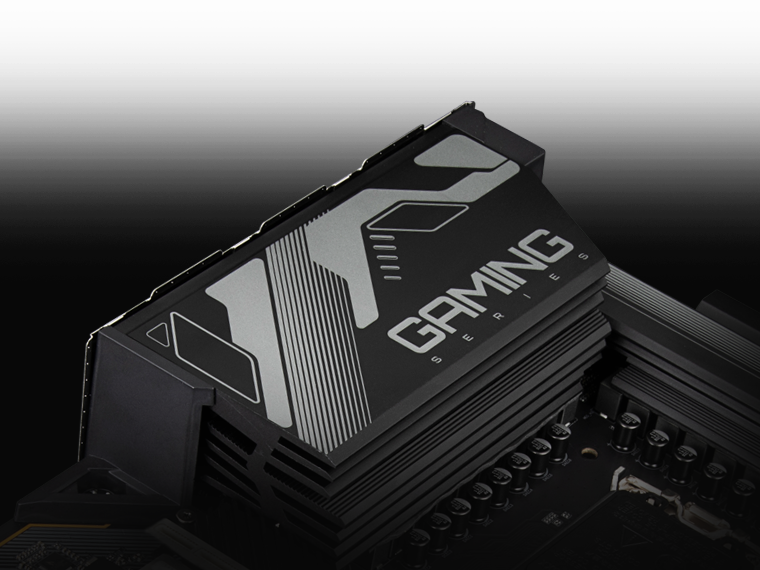
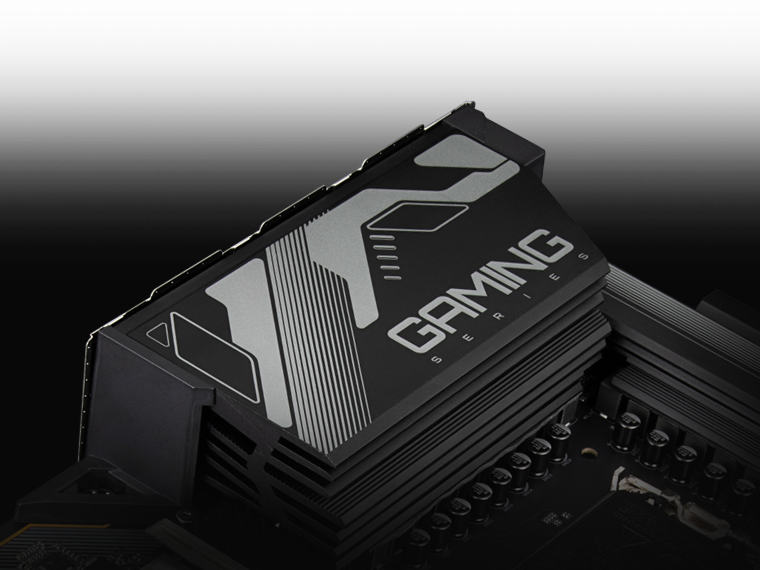
Fully Covered MOSFET Heatsink
Real One-piece Build
TMOS is a TRUE single piece heatsink. Its one-piece design and larger surface drastically improve the cooling performance against competitors’ multi-piece design.Multi-Cut Design
TMOS features several channels and inlets on the heatsink. This design allows for the air flow to go through which leads to a great improvement of the heat transfer performance.
Thermal
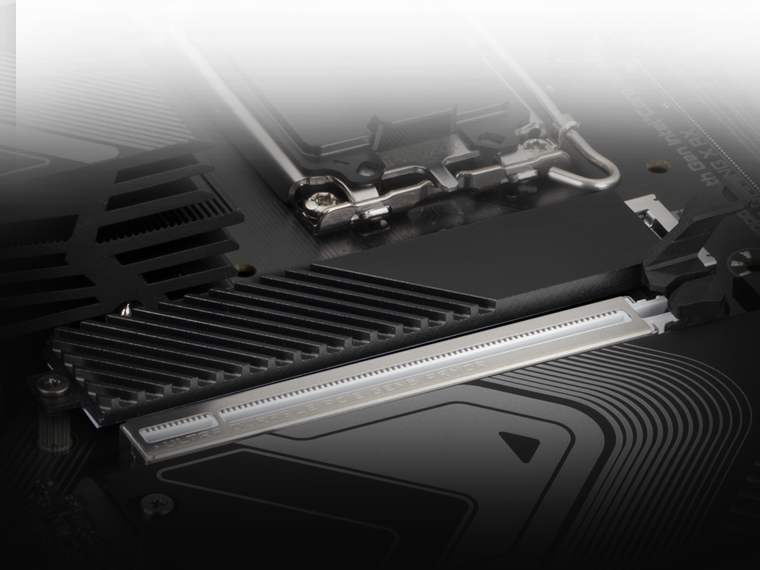
M.2 Thermal Guard
The M.2 Thermal Guard prevents throttling and bottlenecks from high speed M.2 SSDs as it helps to dissipate heat before it becomes an issue.

Future Connectivity
The ultimate connectivity with blazing data-transfer speeds through the next generation network and storage.
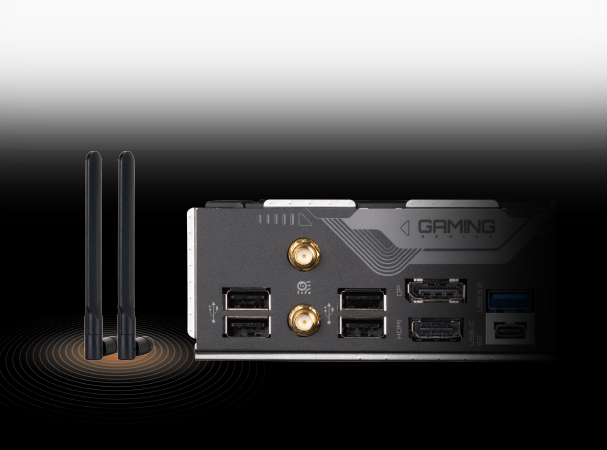
802.11ax Wi-Fi
The Wireless solution 802.11ax Wi-Fi enables gigabit wireless performance, provides smooth video streaming, better gaming experience, few dropped connections and speeds up to 2.4Gbps. Moreover, Bluetooth 5 provides 4X range over BT 4.2 and with faster transmission.
* Photo for reference only.
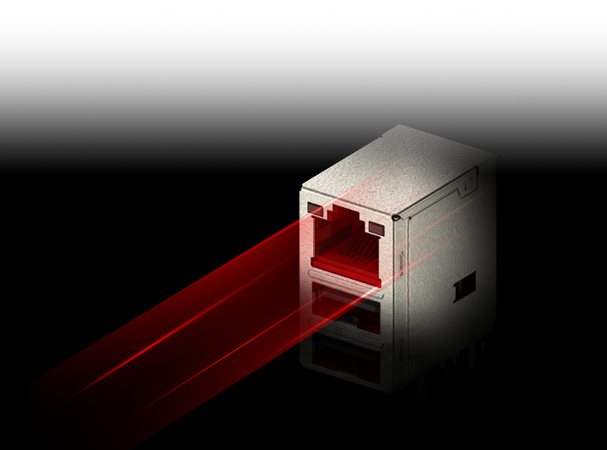
2.5GbE LAN
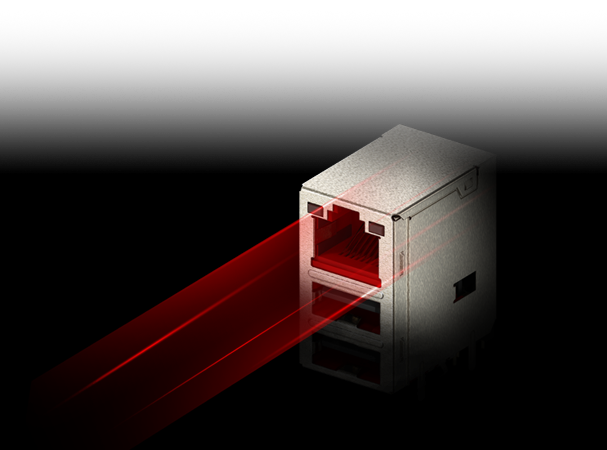
Supercharge your gaming with 2.5GbE LAN Achieve lightning-fast speeds, minimal lag, and unbeatable performance to elevate your gaming setup and dominate the competition.
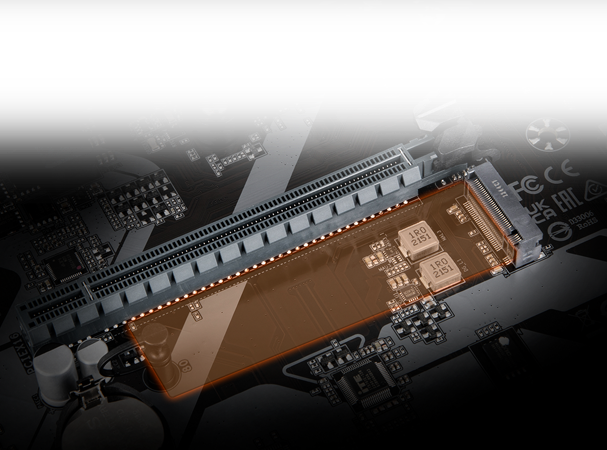
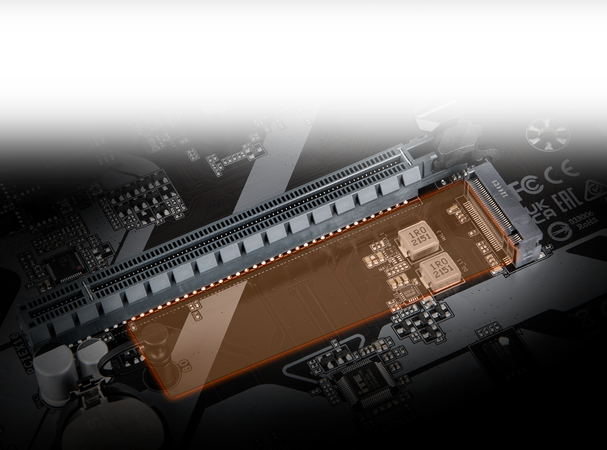
PCIe 4.0 Hardware Design
Featuring PCIe 4.0 M.2 slot support, GIGABYTE Motherboards are ready to work with the PCIe 4.0 devices to provide the superior performance.
* The picture is for reference and may vary by mode.
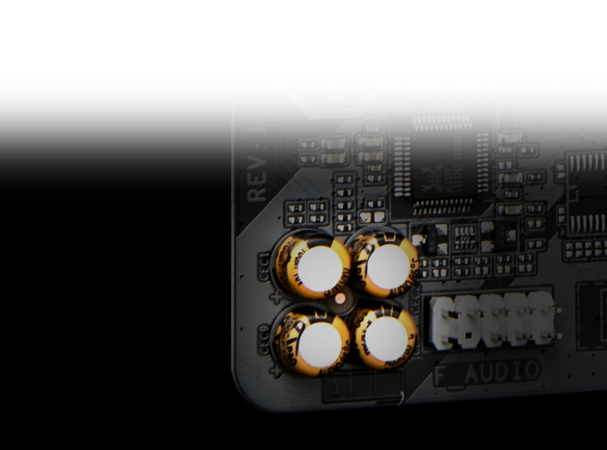
Hi-Fi Audio


Easy Friendly
Innovative and intuitive hardware, software, and BIOS interface design to create your personal style.
EZ-Latch
Unlock the latch of the PCIe slot easily when remove the graphics card in the PCIe slot.
M.2 EZ-Latch Plus
Screwless installation for M.2 SSDs.
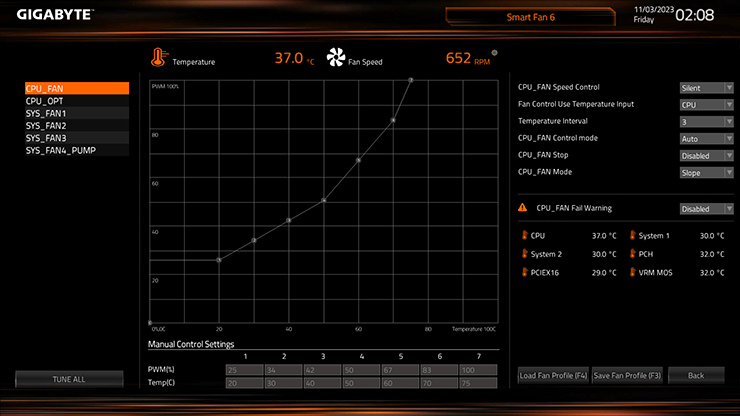
Smart Fan 6
ensures optimal cooling and quiet operation for your gaming PC, with support for PWM/DC fans and pumps, customizable settings, and intuitive temperature monitoring.
- High Current Support: Each fan headers support PWM and DC fan and Water Cooling Pump , and up to 24W (12V x 2A) with Over-Current Protection.
- Precision Control: Multiple temperature/fan speed control points for precise fan curve.
- Dual Curve Mode: Slope/Stair dual mode for different user scenario.
- Fan Stop: Fan can stop completely below users’ specified temperature point.
Smart Fan 6 BIOS UI
- Enhance Fan Curve UI : Enhance fan curve control with an expanded number of control points, from 5 to 7, and a larger fan speed graph, enabling users to have more precise and effortless control over fan curve settings.
- Slope/Stair Dual Graph Mode : Switch between Slope and Stair modes to adapt to various user scenarios. Slope mode provides a linear fan speed curve, while Stair mode maintains a constant fan speed within specified temperature intervals.
- Manual Input : For advanced users, manual input of fan speeds is available for fine-tuning and precise control over the cooling system.
- EZ Tuning : Simplify the process with EZ Tuning by setting 4 points on a rough temperature/fan speed scale. Smart Fan 6 will quickly generate a fan curve based on these points.
- Fan Curve Profile : Save your customized fan curve profile in the BIOS ROM, ensuring it remains intact even after BIOS updates.
Note: The picture is for reference and may vary by model.
UC BIOS
Redesigned UI and UX
an intuitive operation interface with an aesthetically pleasing design.
Quick Access
9 customizable option slots for effortless access in Easy Mode.
PerfDrive
exclusive BIOS settings that optimize the performance based on the cooling configuration

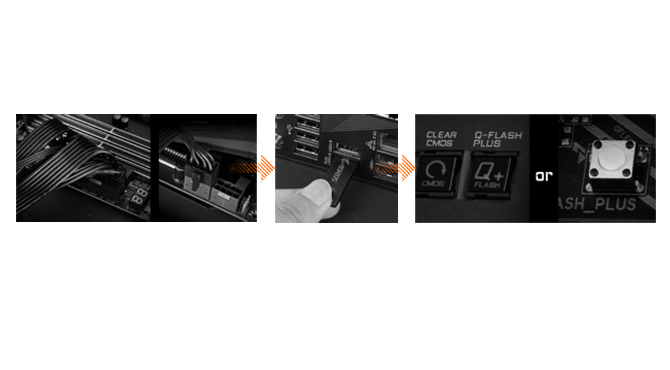
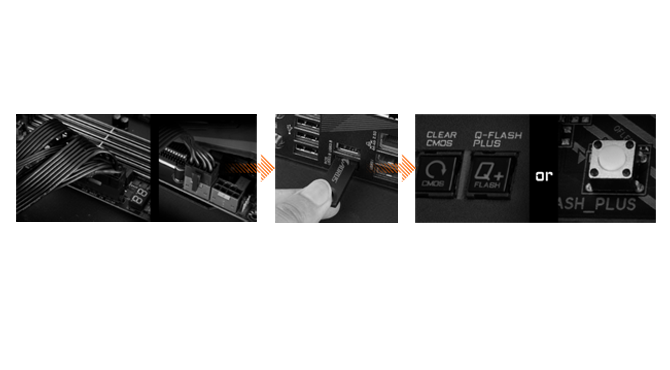
Q-Flash Plus
Update the BIOS easily without installing the CPU, memory, and graphics card.
- STEP 1: Plug the 24-pin and 8-pin power supply cables into the motherboard.
- STEP 2: Download the motherboard BIOS file and rename it to “gigabyte.bin”. Save it to a USB flash drive formatted in FAT32. Insert the USB flash drive into the Q-FLASH PLUS USB port.
- STEP 3: Press the Q-FLASH PLUS button, and the motherboard will start updating the BIOS automatically.
GIGABYTE Control Center
Unified software platform for all Gigabyte supported products.
- Intuitive user interface
- Modularized control
- Auto update

Reviews
There are no reviews yet.