
Description
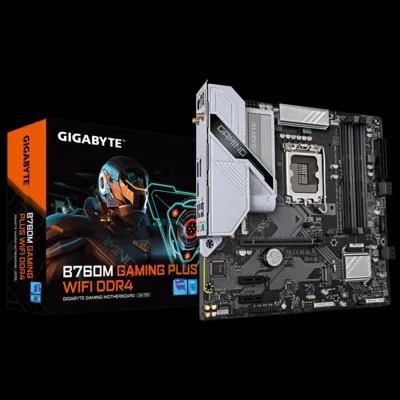
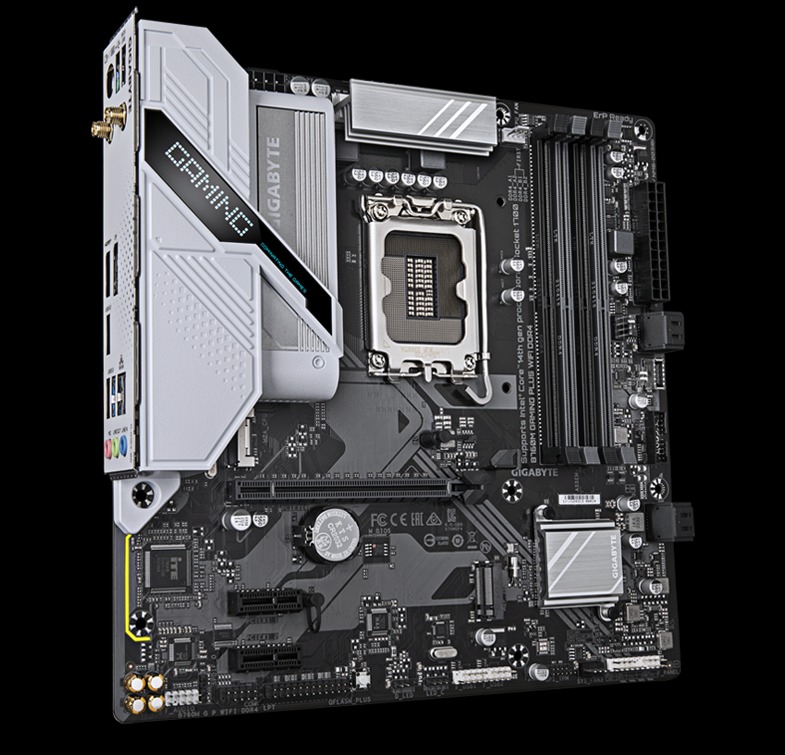
B760M GAMING WIFI PLUS
- Supports 14th/13th/12th generation Intel® Core™ processors
- Unmatched performance: Hybrid Digital VRM with 4+1+1 Phases
- Dual Channel DDR4: Supports 4* XMP DIMM Memory Modules
- Next-generation storage: 2*M.2 PCIe 4.0 x4 connectors
- Fast network connections: i-Fi 6 802.11ax, GbE LAN
- Extensive connectivity: Front USB-C® 5Gb/s, DP, HDMI
- Smart Fan 6: Multiple temperature sensors and hybrid fan connectors with FAN STOP
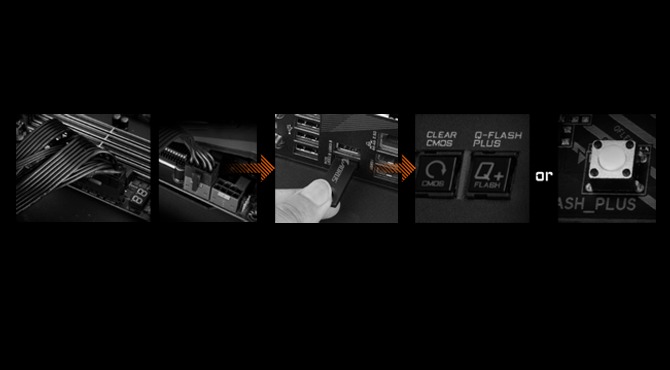
- Q-Flash Plus: BIOS update without installing the processor, memory, and graphics card
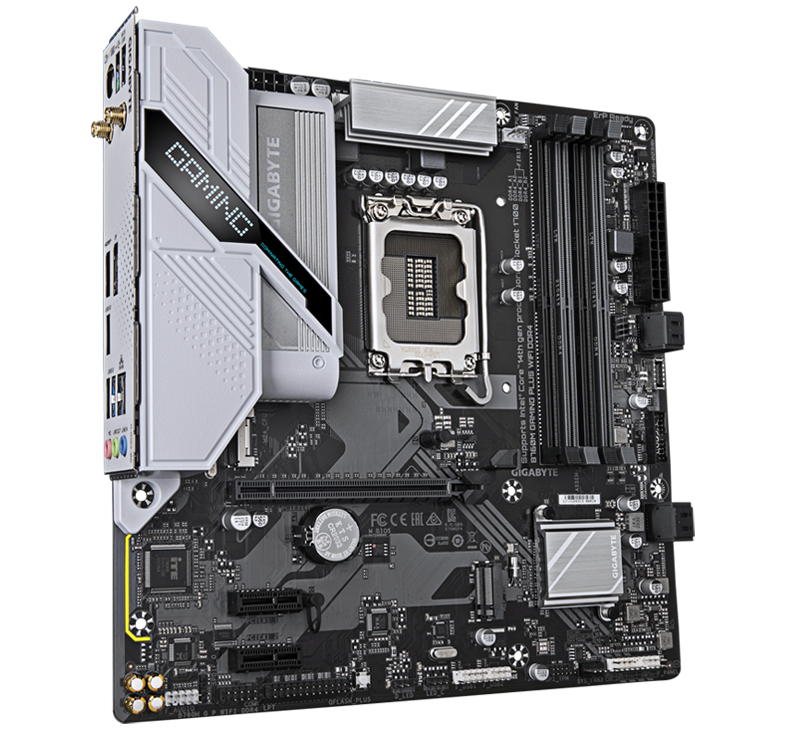
PREVIEW
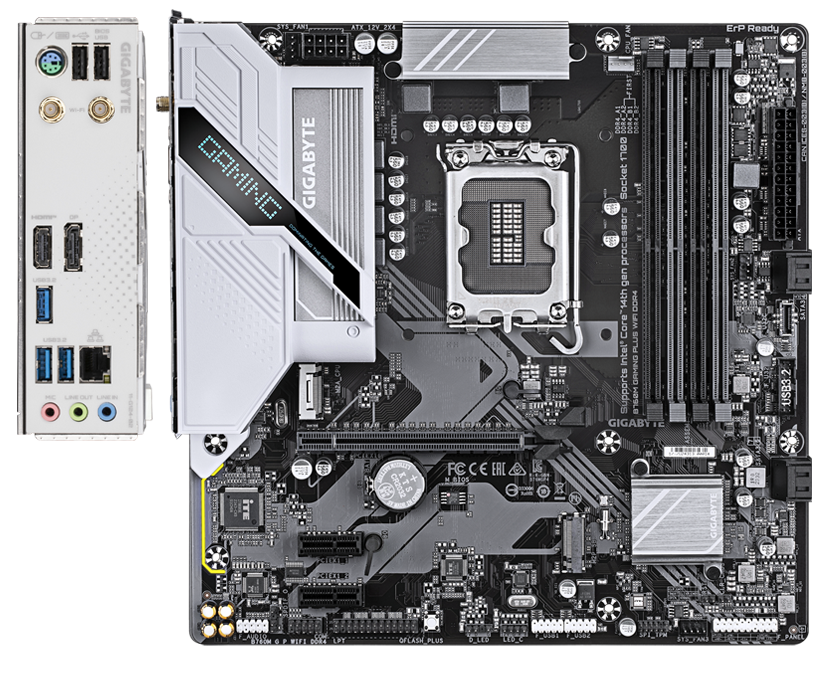
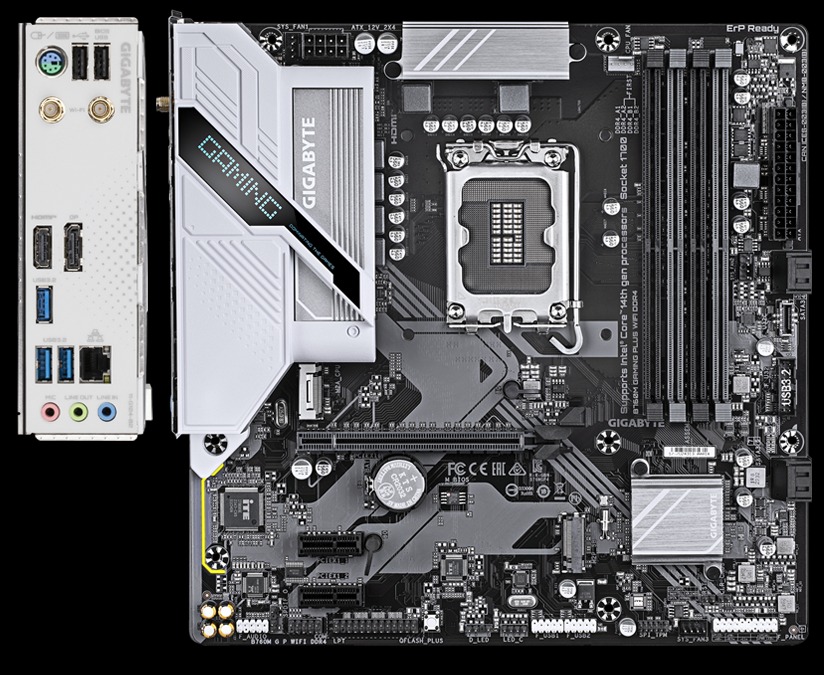
8-pin Solid Pin CPU Power Connector
2 x M.2 connectors for high-performance storage
- 2*PCIe 4.0 x4 M.2
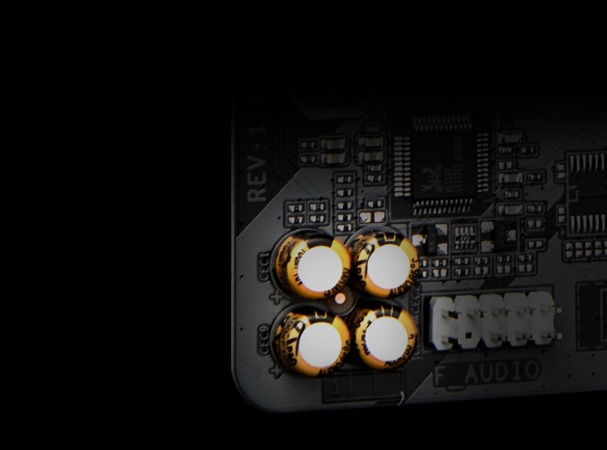
Audio Solution
- 8-channel HD audio
- Audio Noise Guard
- High-end audio capacitors
PCIe EZ-Latch
DDR4 Dual Channel, 4 DIMMs
Supports
14th, 13th and 12th Generation processorsUSB 3.2 Gen1 Type-C on the front
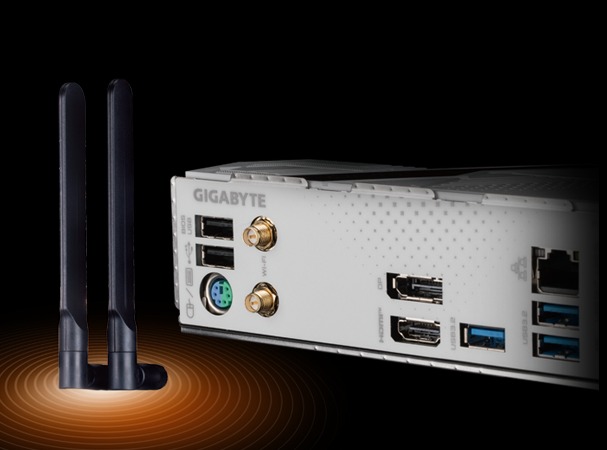
802.11ax Wi-Fi
HDMI
1*DisplayPort
RGB FUSION
- 1*Addressable RGB LED Connectors
- 1*RGB LED Connectors
GbE LAN
Q-FLASH Plus Button
4*SATA 3
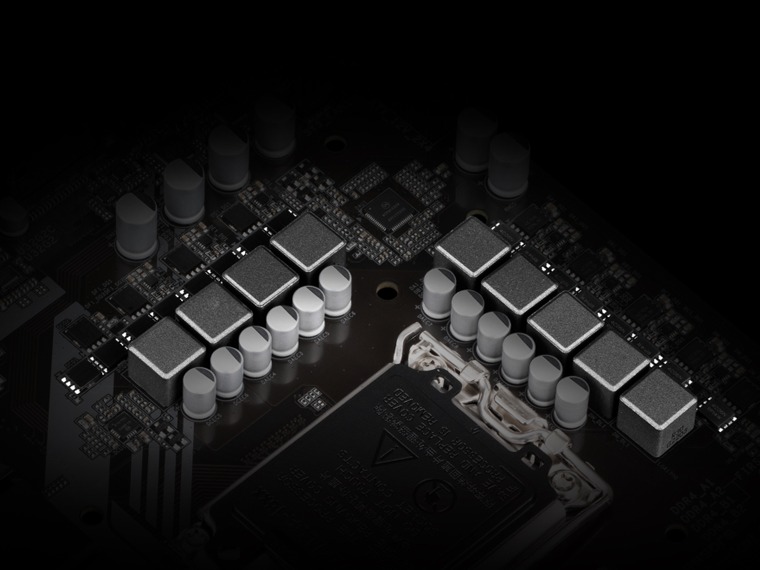
Hybrid Digital VRM 4+1+1
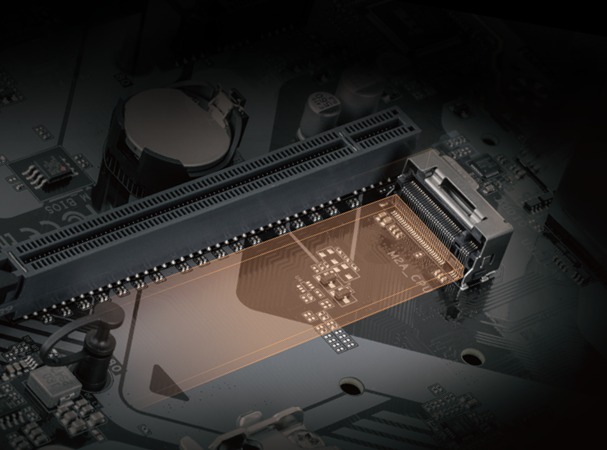
- PCIe 4.0 Ready PCB
- Premium quality coil and capacitor
Designed entirely in PCIe 4.0
- 1* PCIe 4.0 x16 port
- 2*PCIe 4.0 x4 M.2 connectors

Sustainable Performance
GIGABYTE Ultra Durable™ motherboards, built with optimal components inside, offer top-tier performance and a timeless platform.
Digital VRM Design
The best VRM ever designed with the highest quality components.
• PWM 4+2+1 Digital Phases + Low RDS(on) MOSFETs
• They support the latest CPUs, improve system performance and ensure maximum hardware scalability.
* Photo for illustrative purposes only.
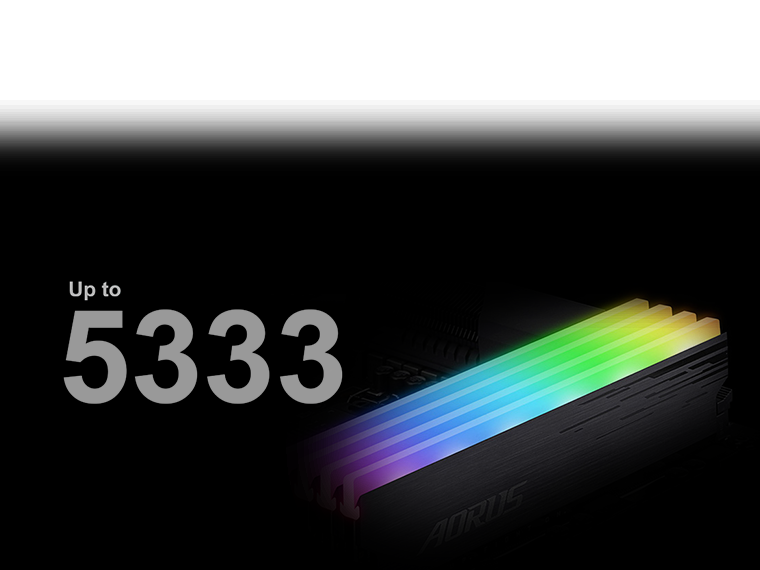
XMP DDR4
DDR4 XMP support up to 5333 MHz and beyond* GIGABYTE offers a tried and tested platform that ensures proper compatibility with profiles up to 5333 MHz and beyond. All users need to do to achieve this performance boost is ensure their memory module is XMP-compatible and that the XMP function is enabled on their GIGABYTE motherboard.
* XMP profile support may vary depending on the memory module.
Please refer to the complete list of validated memory devices. Product specifications may vary by model.
Thermal
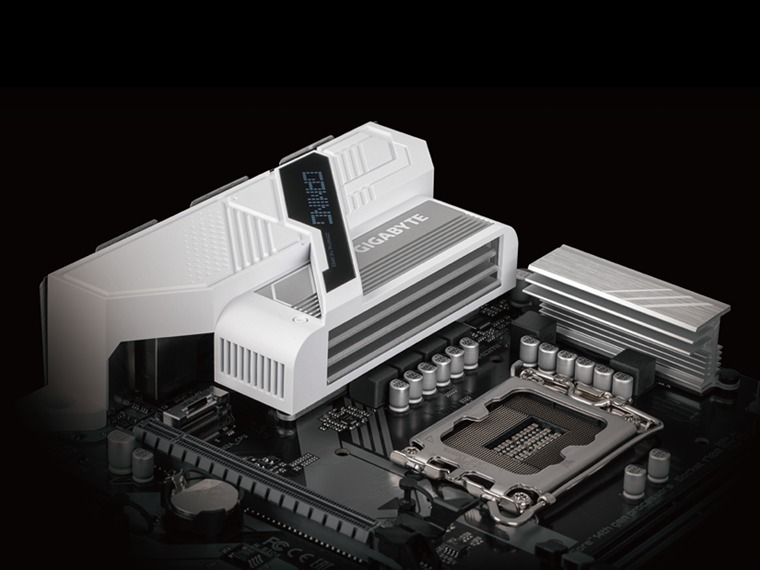
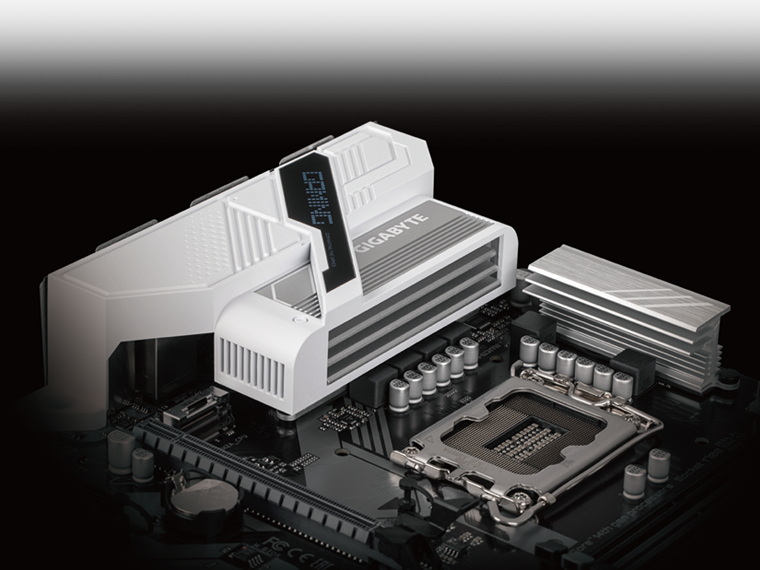
Heat sink for MOSFET with expanded surface area
The expanded surface area design of the MOSFET heat sink greatly improves heat dissipation.

Connectivity of the future
Ultimate connectivity with blazing-fast data transfer speeds thanks to next-generation networking and storage.
802.11ax Wi-Fi
The 802.11ax Wi-Fi wireless solution enables gigabit wireless performance, smooth video streaming, an enhanced gaming experience, fewer connection interruptions, and speeds of up to 2.4 Gbps. Furthermore, Bluetooth 5 offers four times the range of BT 4.2 and faster transmission.

Ease of use
Innovative and intuitive hardware, software and BIOS interface design to create your personal style.
EZ-Latch
Easily unlock the PCIe slot latch when removing the graphics card from the PCIe slot.
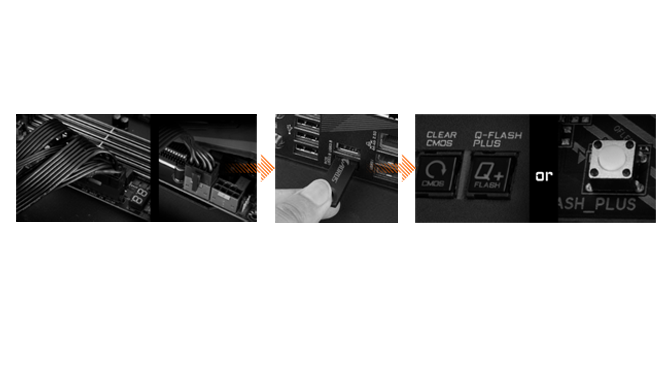
Q-Flash Plus
Easily update the BIOS without installing the processor, memory, and graphics card.
- STEP 1: Connect the 24-pin and 8-pin power cables to the motherboard.
- STEP 2: Download the motherboard BIOS file and rename it to “GIGABYTE.bin”. Save it to a USB flash drive formatted as FAT32. Insert the USB flash drive into the Q-FLASH PLUS USB port.
- STEP 3: Press the Q-FLASH PLUS button, and the motherboard will begin updating the BIOS automatically.
Smart Fan 6
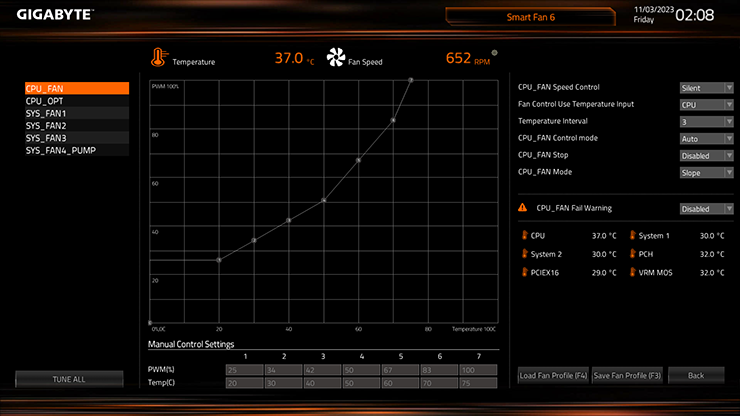
ensures optimal cooling and quiet operation for your gaming PC, with support for PWM/DC fans and pumps, customizable settings and intuitive temperature monitoring.
- High current support: Each fan head supports PWM and DC fan and water cooling pump. The fans can be powered by DC current up to 24W (12V x 2A) with overcurrent protection.
- Precision control: Multiple temperature/fan speed control points for a precise fan curve.
- Two curve modes: Slope/stair mode for different usage scenarios.
- Fan Stop: The fan can stop completely below the temperature point specified by the user.
Smart Fan 6 BIOS Interface
- Improved fan curve user interface: Enhanced fan curve control with more control points, from 5 to 7, and a larger fan speed graph, allowing users to have more precise and effortless control over fan curve settings.
- Graphical Slope/Stair Mode: Switch between Slope and Stair modes to suit different usage scenarios. Slope mode provides a linear fan speed curve, while Stair mode maintains a constant fan speed within specified temperature ranges.
- Manual input: For advanced users, manual input of fan speeds is available for fine-tuning and precise control of the cooling system.
- EZ Tuning: Simplify the process with EZ Tuning by defining 4 points on an approximate temperature/fan speed scale. Smart Fan 6 will quickly generate a fan curve based on these points.
- Fan curve profile: Save your custom fan curve profile to the BIOS ROM, ensuring it remains intact even after BIOS updates.
Note: The image is for illustrative purposes only and may vary depending on the model.
UC BIOS
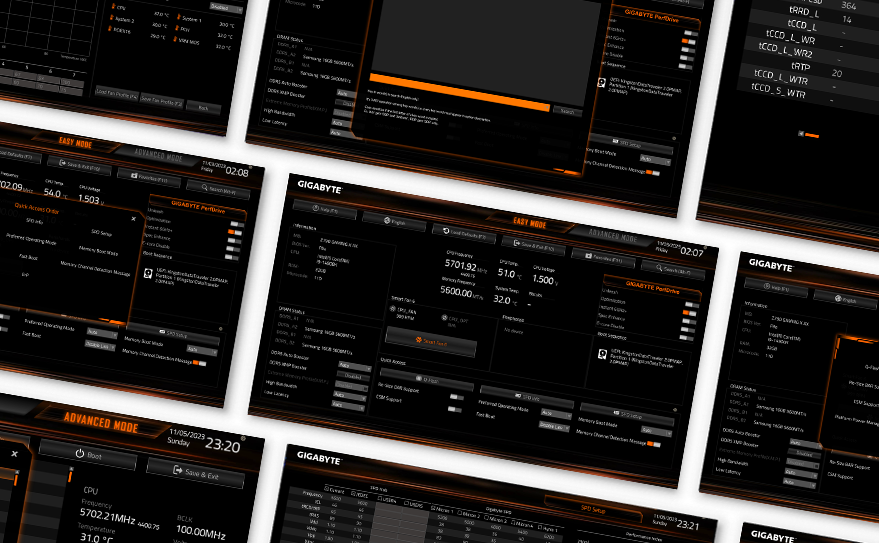
Redesigned interface and user experience:
an intuitive user interface with an aesthetically pleasing design.
Quick access:
9 customizable option slots for easy access in Easy mode.
PerfDrive:
exclusive BIOS settings that optimize performance based on the cooling configuration.
GIGABYTE Control Center
Unified software platform for all products supported by GIGABYTE.
- – Intuitive user interface
- – Modular control
- – Automatic update



Reviews
There are no reviews yet.