







Description
 OVERVIEW
 OVERVIEW
Performance :
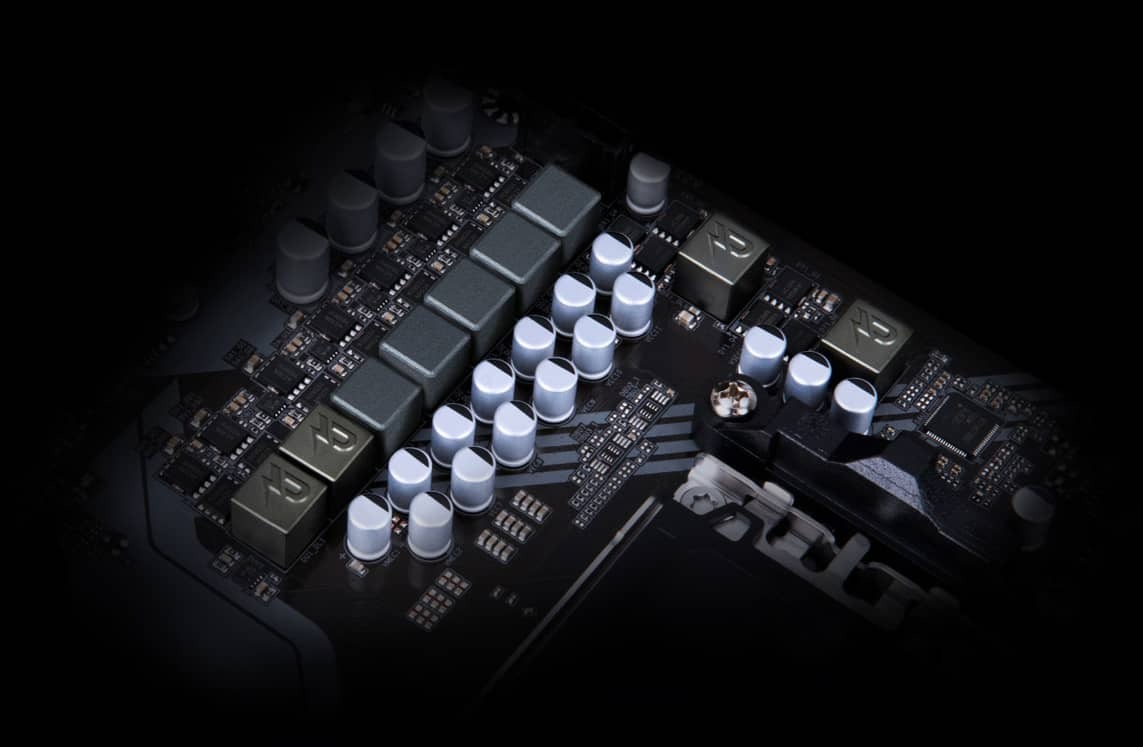
Digital VRM Design
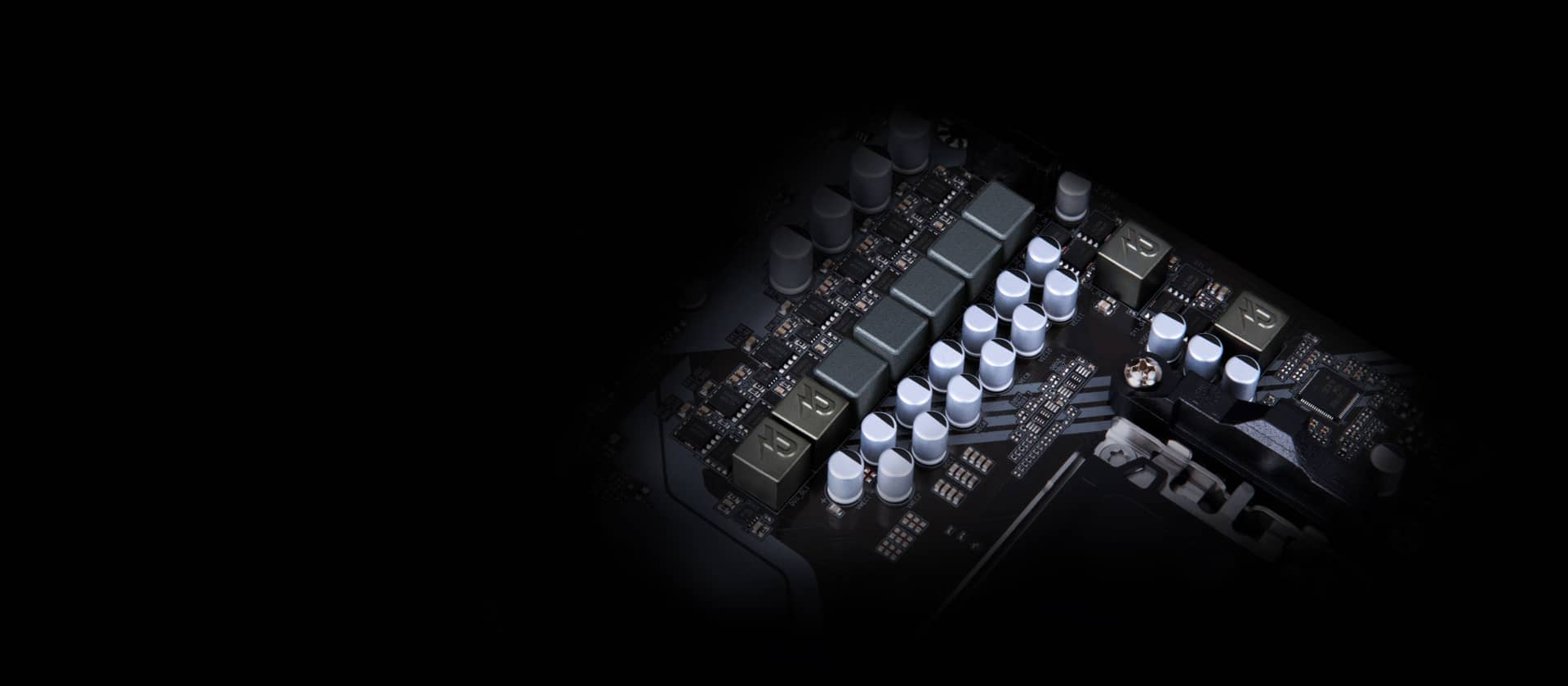
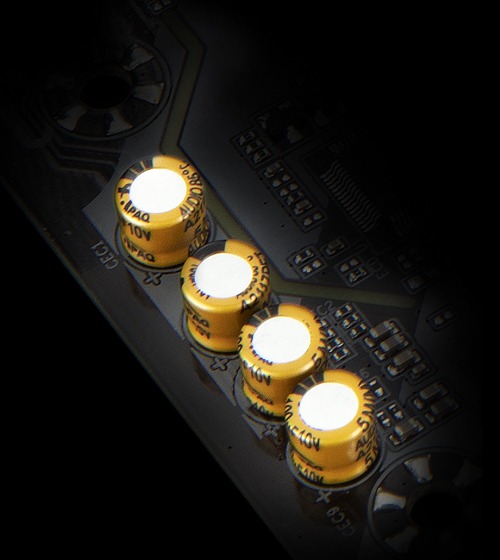
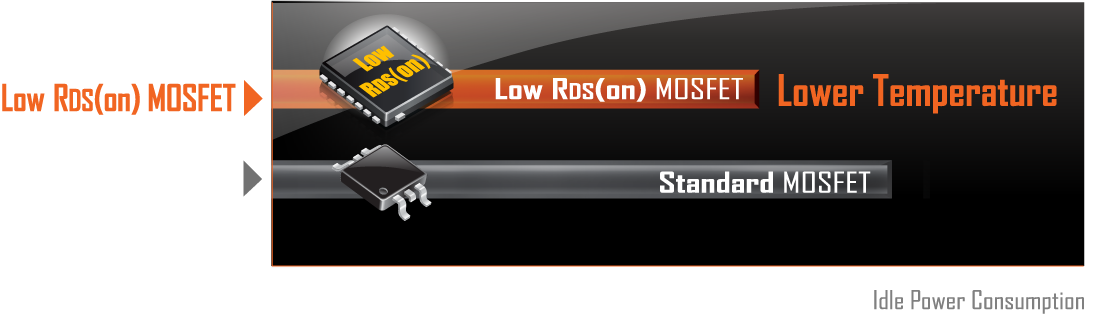
GIGABYTE UD series motherboards use a 5+2+2 phases digital PWM + Low RDS(on) MOSFETs design to support AMD’s new generation CPU by offering incredible precision in delivering power to the motherboard’s most power-hungry and energy-sensitive components as well as delivering enhanced system performance and ultimate hardware scalability.
‧ Lower temperature, smaller size, better thermal characteristics.
PCIe 4.0 Hardware Design
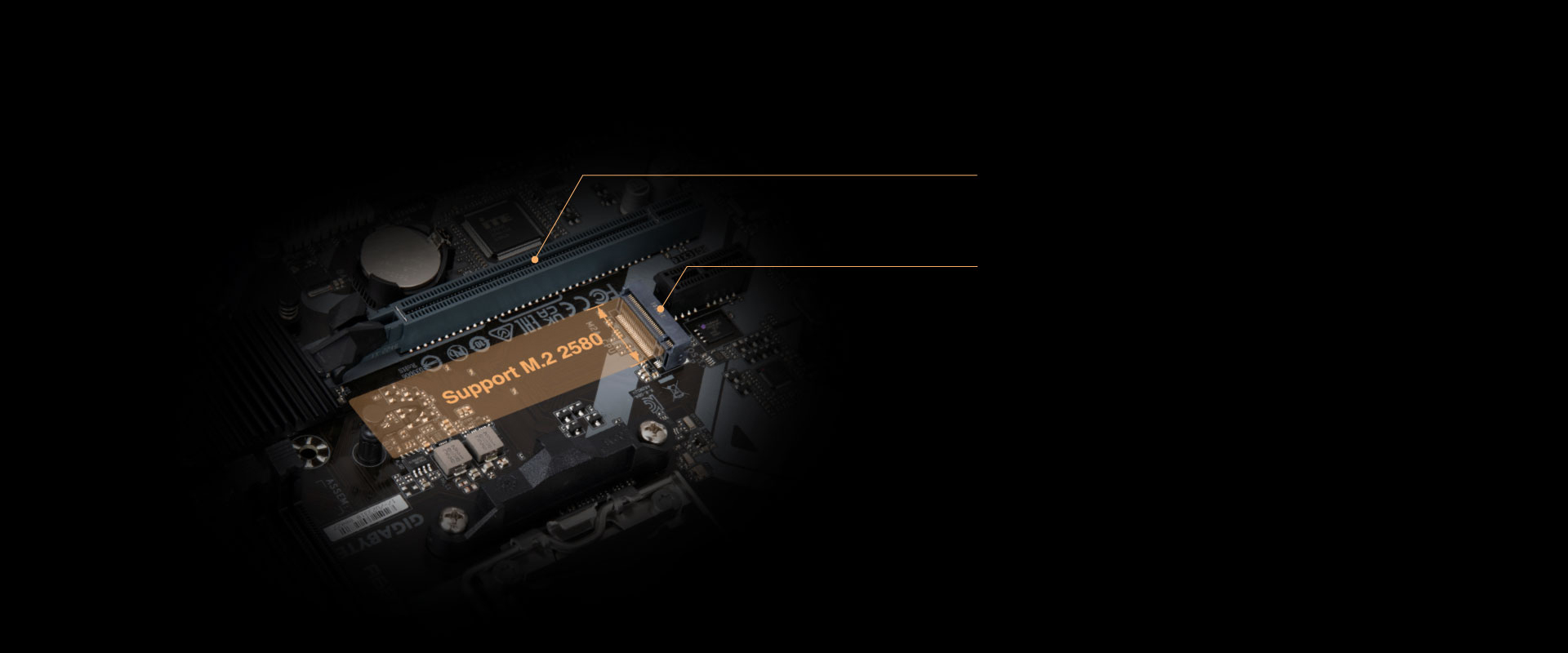
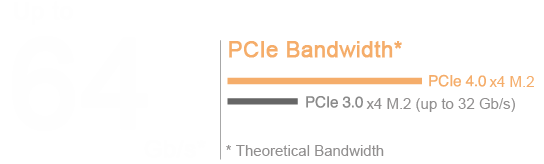
GIGABYTE A620 Motherboards are ready to work with the PCIe 4.0 devices which are expected to experience twice bandwidth than the current PCIe 3.0 devices. To reach the high speed and maintain good signal integrity, GIGABYTE R&D uses the low impedance PCB to provide the maximum performance.
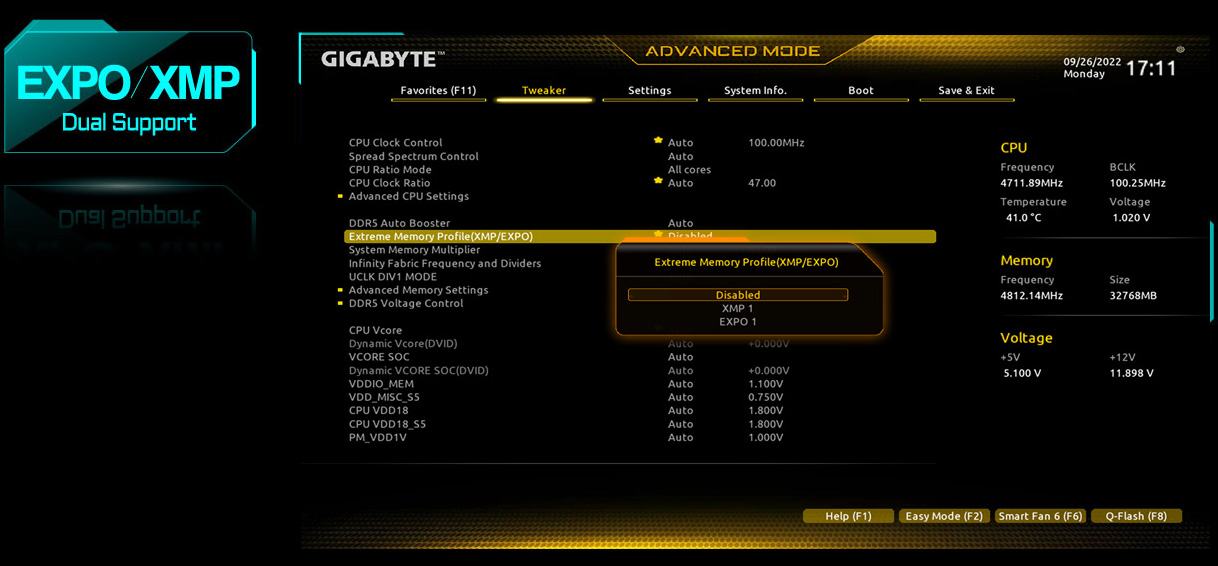
EXPO & XMP Support
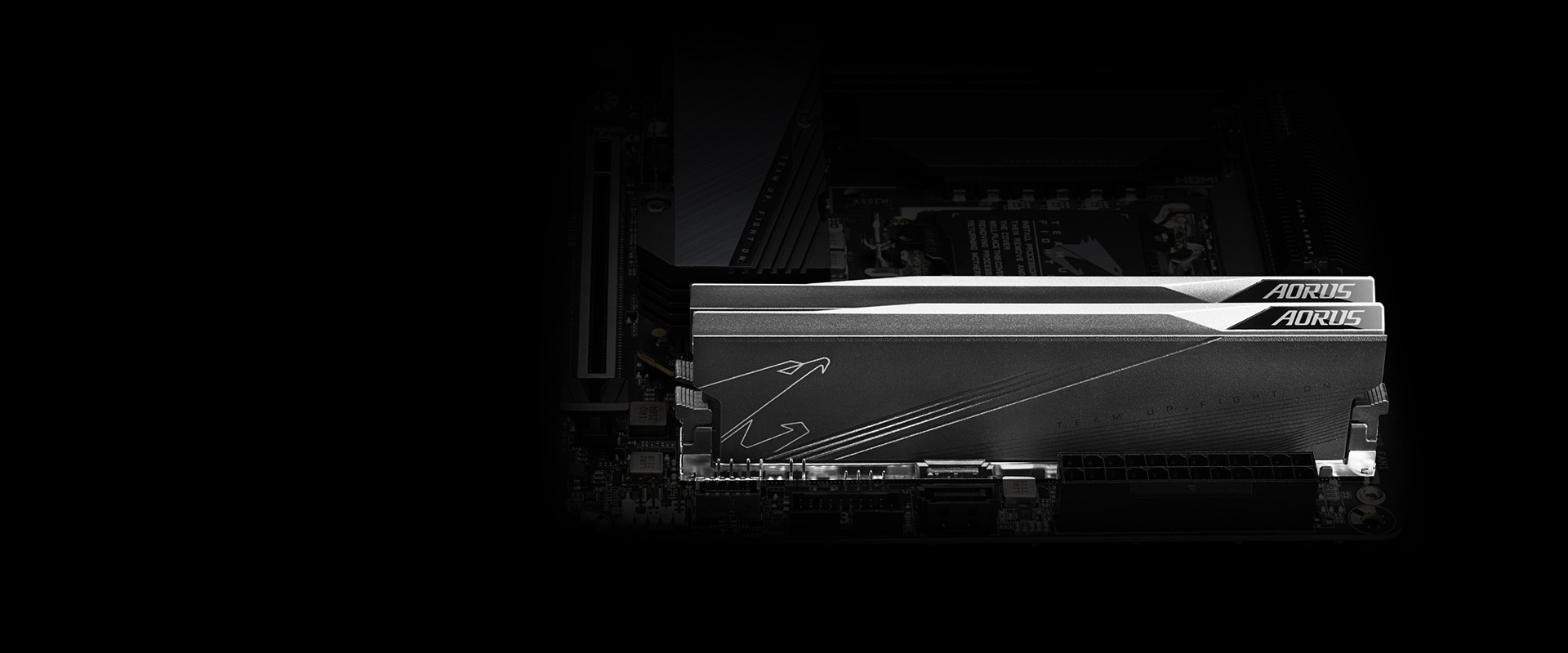
GIGABYTE is offering a tested and proven platform that the memory overclocking capability is able up to 7600 and beyond. All users need to do for achieving this extreme memory performance boost is to ensure that their DDR5 memory modules are AMD EXPO™/ Intel® XMP capable, the EXPO/XMP function is activated and enabled on their GIGABYTE motherboard.

* EXPO / XMP profiles support may vary depending on memory modules.
Please refer the completed validated memory support list.
Product features may vary by model.
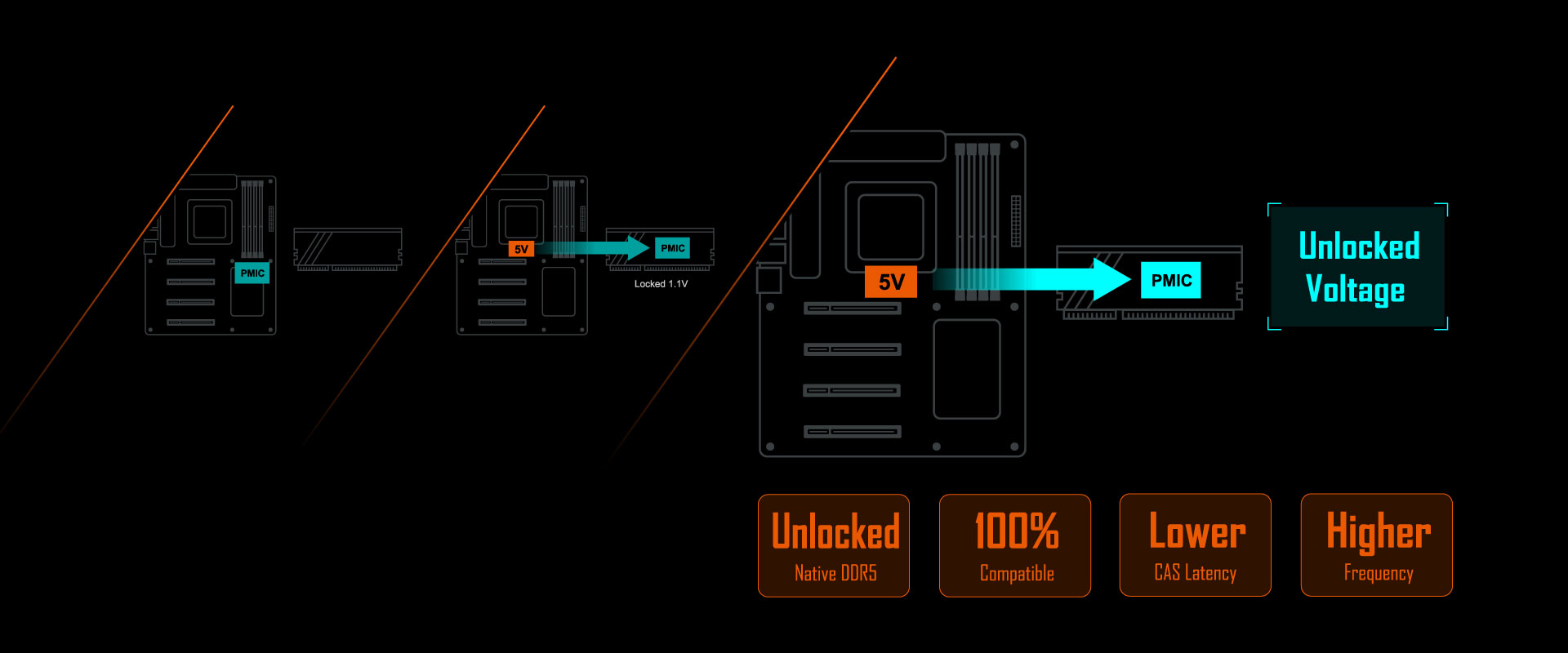
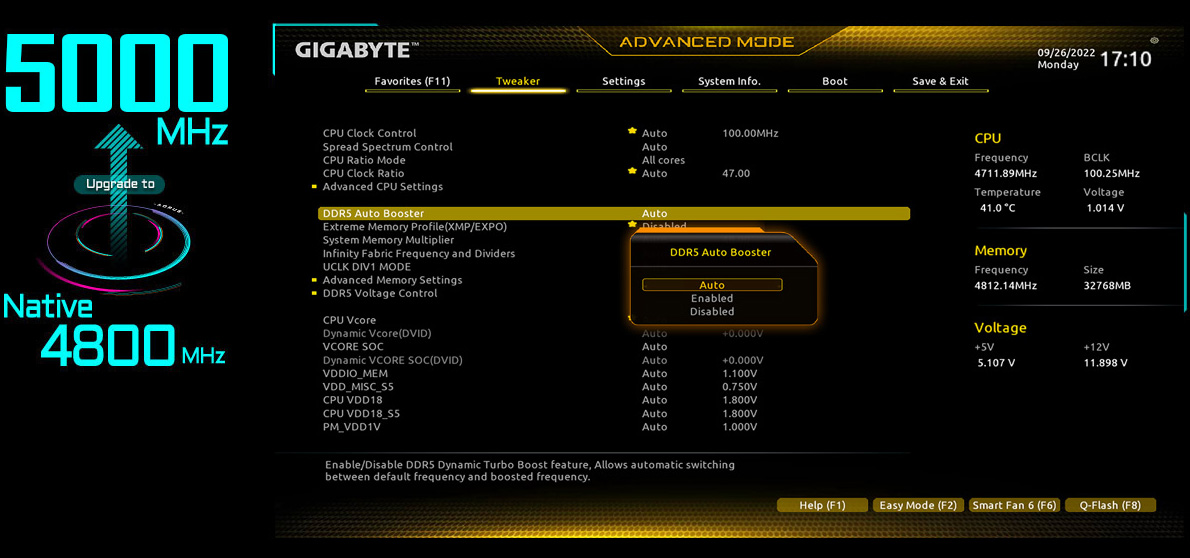
MB provides fixed 5V to Native DDR5 memory and built-in PMIC outputs locked 1.1v to memory IC.
GIGABYTE’s exclusive design unlocks Native DDR5 PMIC secure mode into programmable mode and control Native DDR5 voltage with wide range.
- • GIGABYTE exclusive circuit design unlocks Native DDR5 voltage control
- • Transforms Native DDR5 memory module to Overclocked DDR5 memory
- • Increases DDR5 memory overclocking performance and capability
- • Supports all PMIC vendors for maximum compatibility
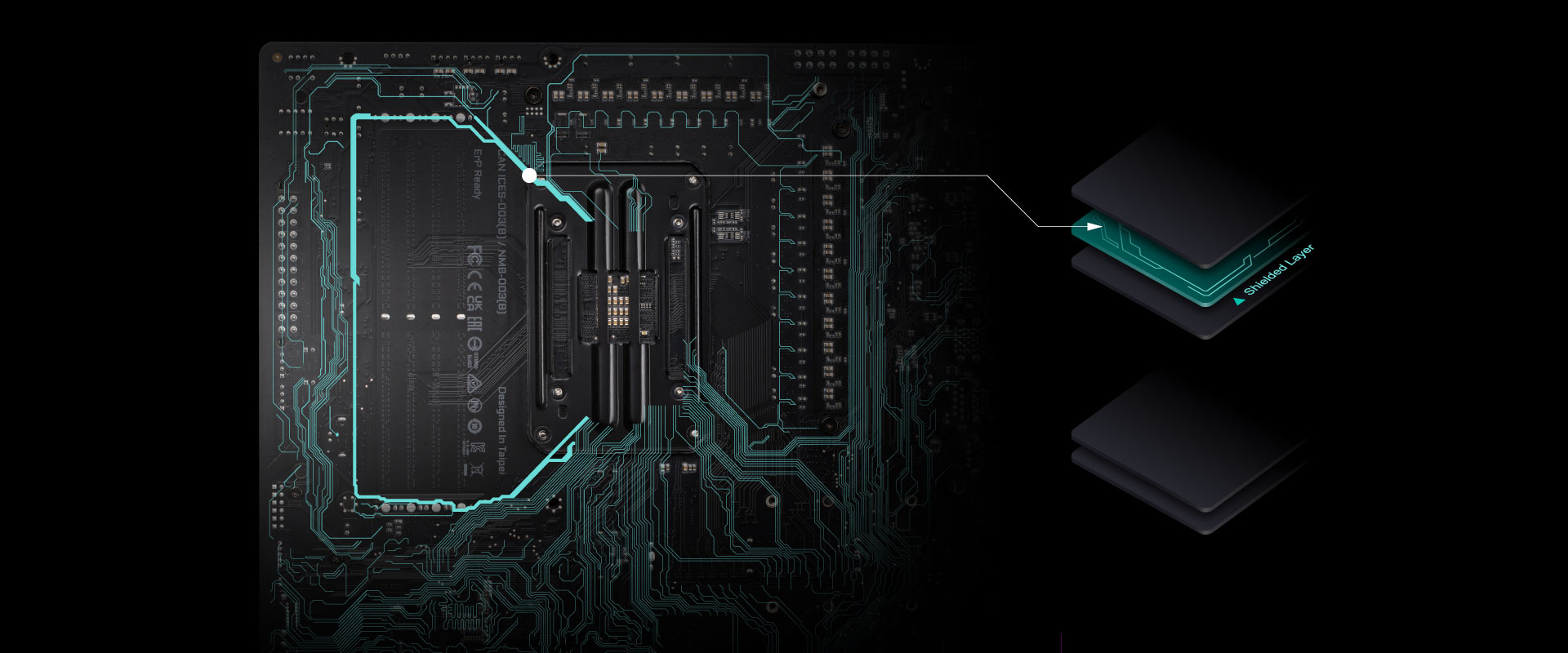
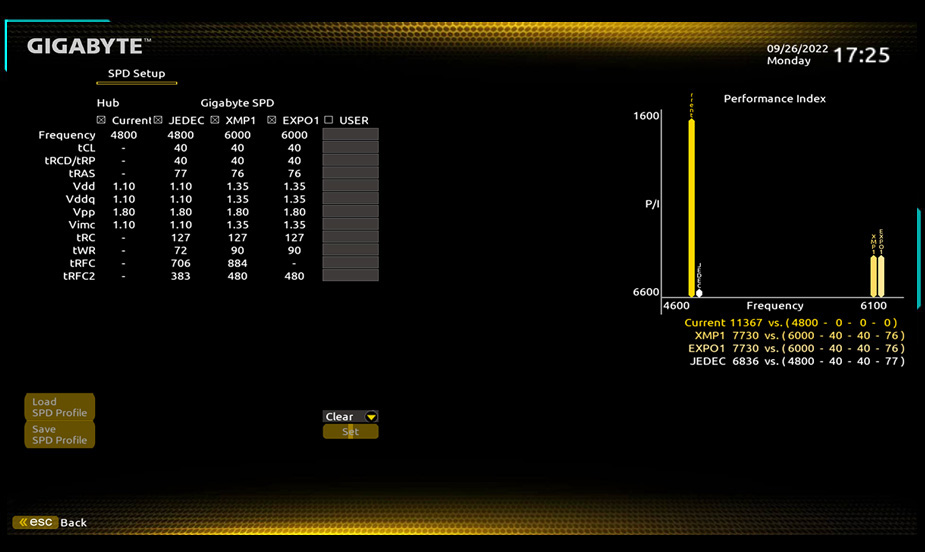
Define and create your own SPD profile into Native, AMD EXPO™ and Intel® XMP 3.0 memory modules. One user-defined profile can be saved, loaded either locally or from/to an external storage device.
- • One empty SPD profile can be defined by users and carry to next computer
- • Quick memory performance simulation based on user input clock and timing parameters
- • Profile save and load function to share your memory parameters online
SMART FAN 6
- High Current Support
Each fan headers support PWM and DC fan and Water Cooling Pump , and up to 24W (12V x 2A) with Over-Current Protection
- Precision Control
Multiple temperature/fan speed control points for precise fan curve
- Dual Curve Mode
Slope/Stair dual mode for different user scenario
- Fan Stop
Fan can stop completely below users’ specified temperature point
 PWM/DC Fan Headers
 Internal Temperature Sensors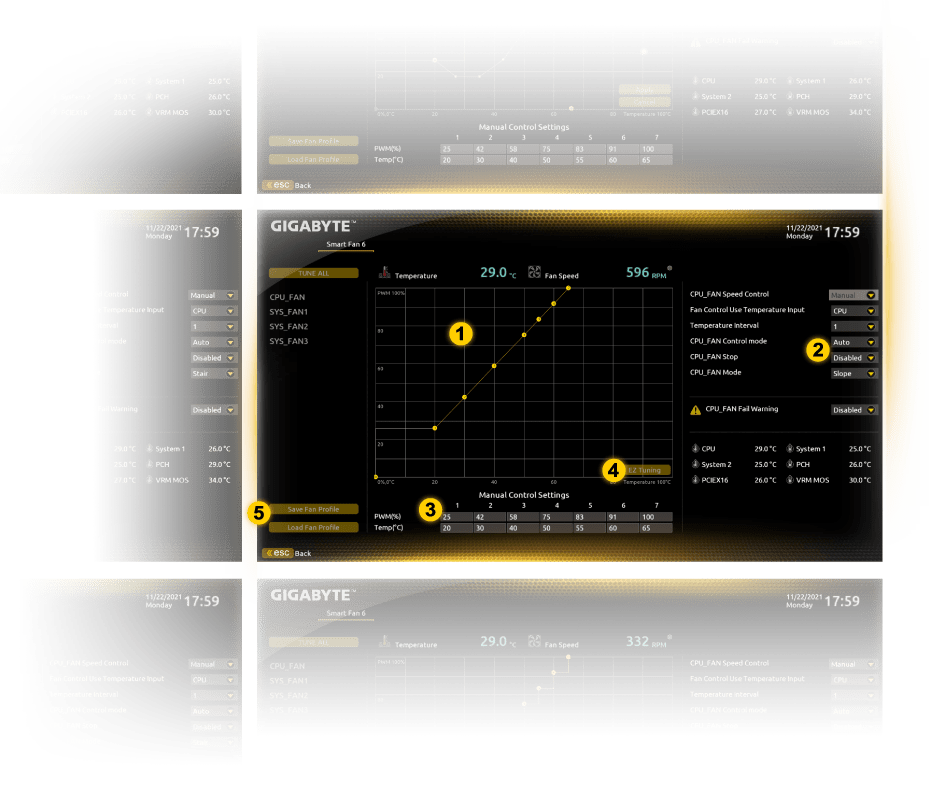
Improve fan curve UI
Slope/Stair dual graph mode
Manual Input
EZ Tuning
Fan curve profile
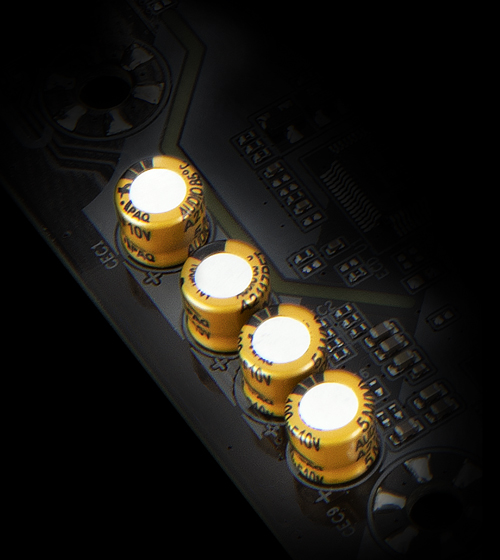
Thermal :
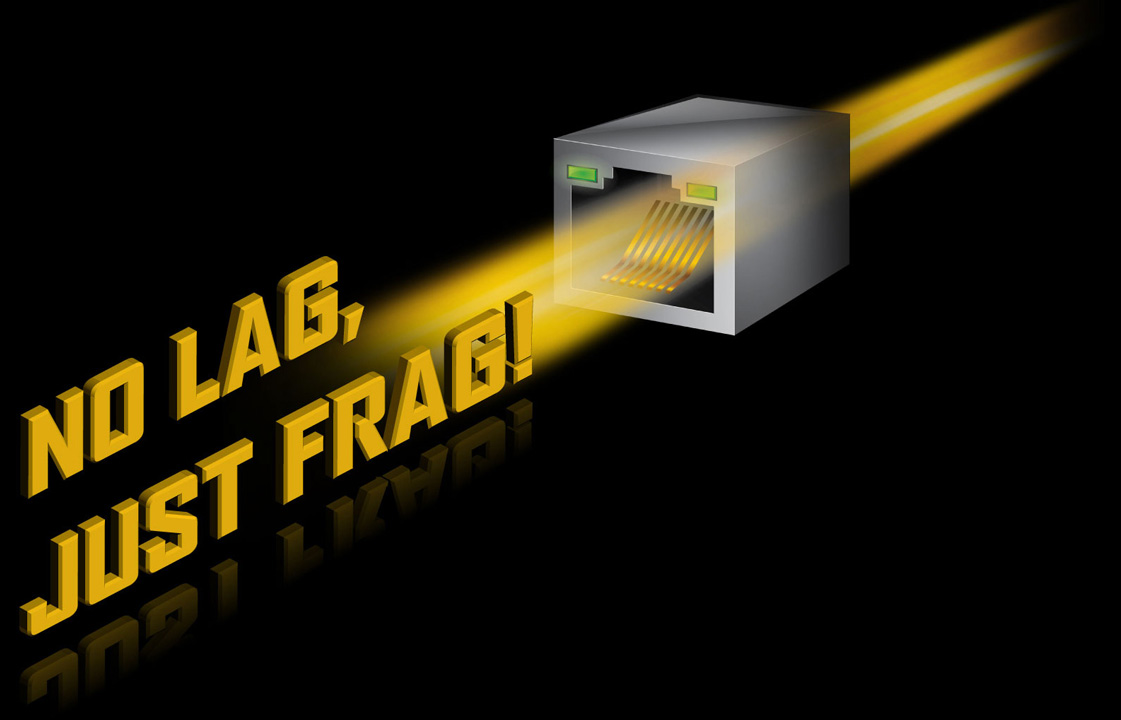
Connectivity :
PERSONALIZATION :

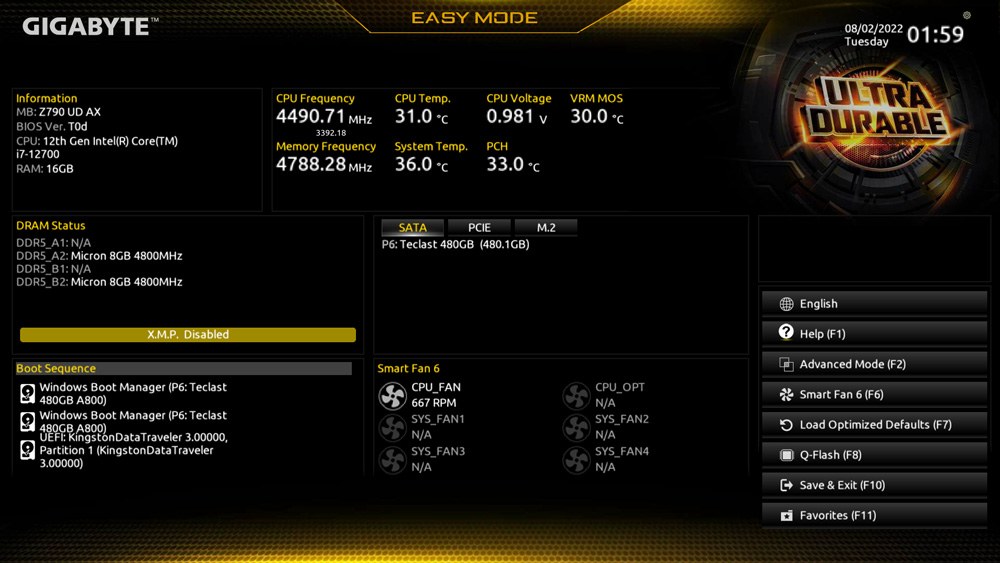
The EASY MODE shows important hardware information in one page including CPU clock, Memory, Storage, Fan.
Add constantly used items into the favorite menu for quick access.
Show all kinds of storage information including SATA, PCIE and M.2 interface.
List all changes before saving and exiting bios. Quickly review overall settings modification.
Clearly show each loadline calibration setting in an intuitive curve graph.

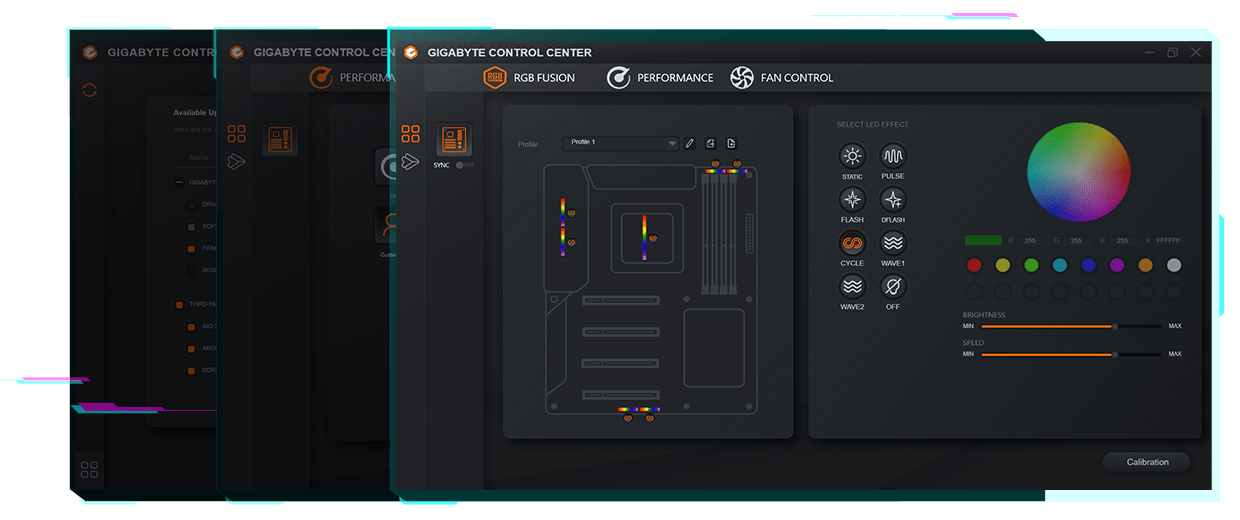
GIGABYTE CONTROL CENTER (GCC) is a unified software for all GIGABYTE supported products. It provides newly designed intuitive user interface to control all essential function.
- Unified software platform for all Gigabyte supported products
- Intuitive user interface for an eased experience
- Modularized control components only for installed hardware
- Auto update function to keep system up to date and support future products
ULTRA DURABLE
DIY Friendly :
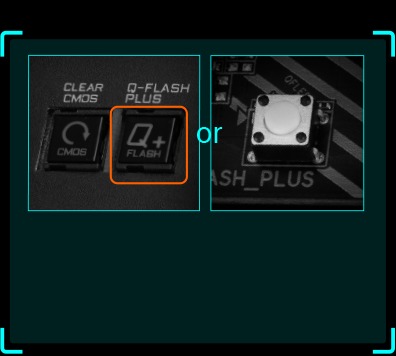
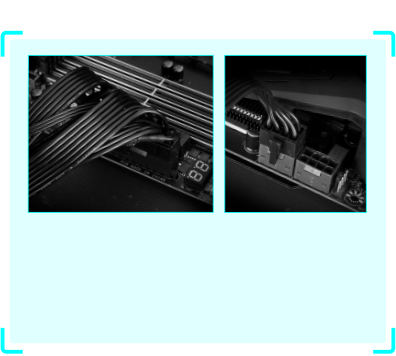
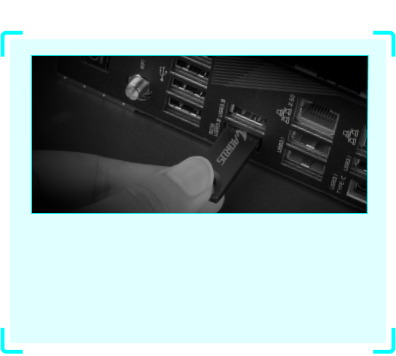
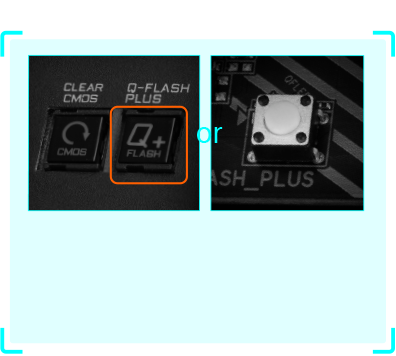
Q-Flash Plus


Key Features
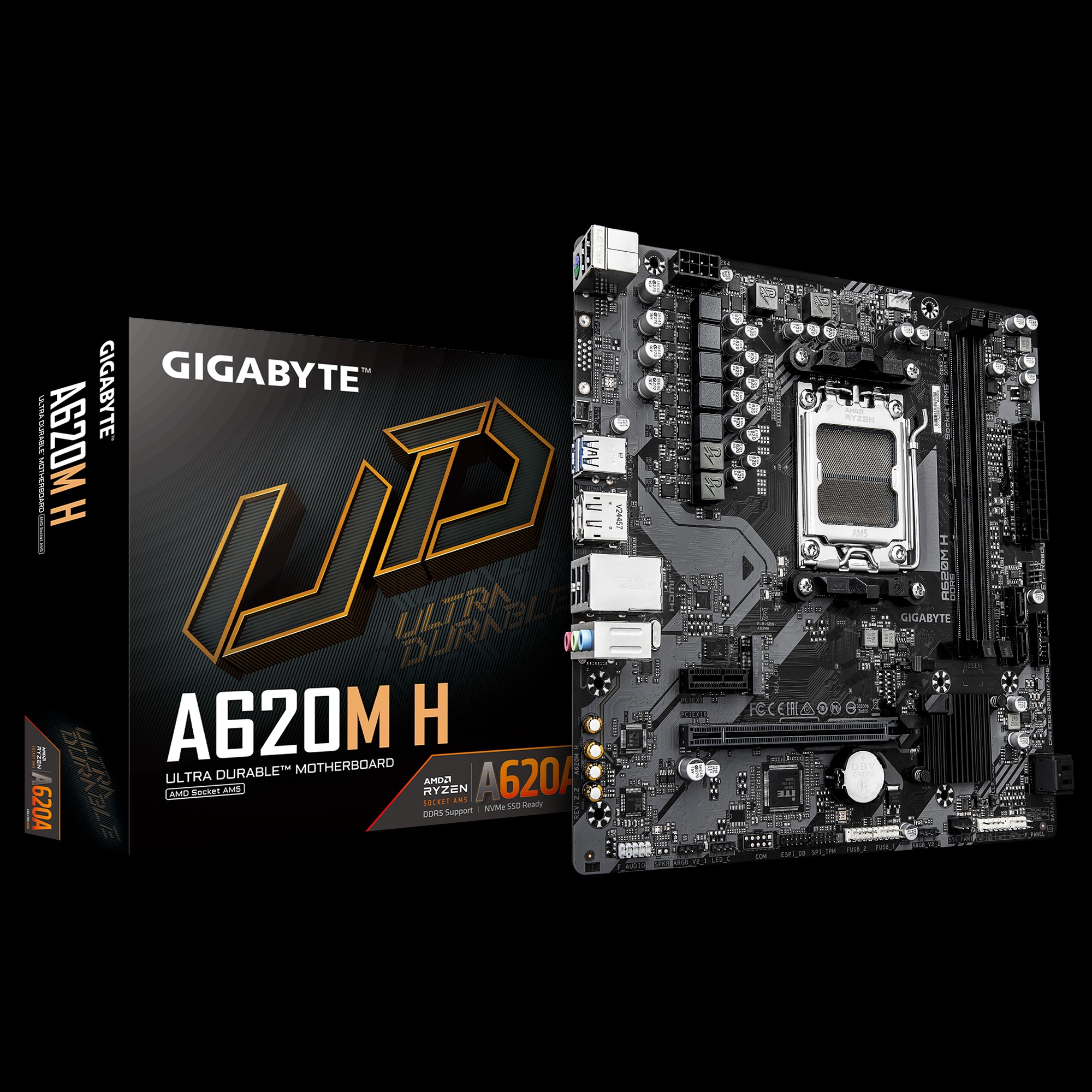
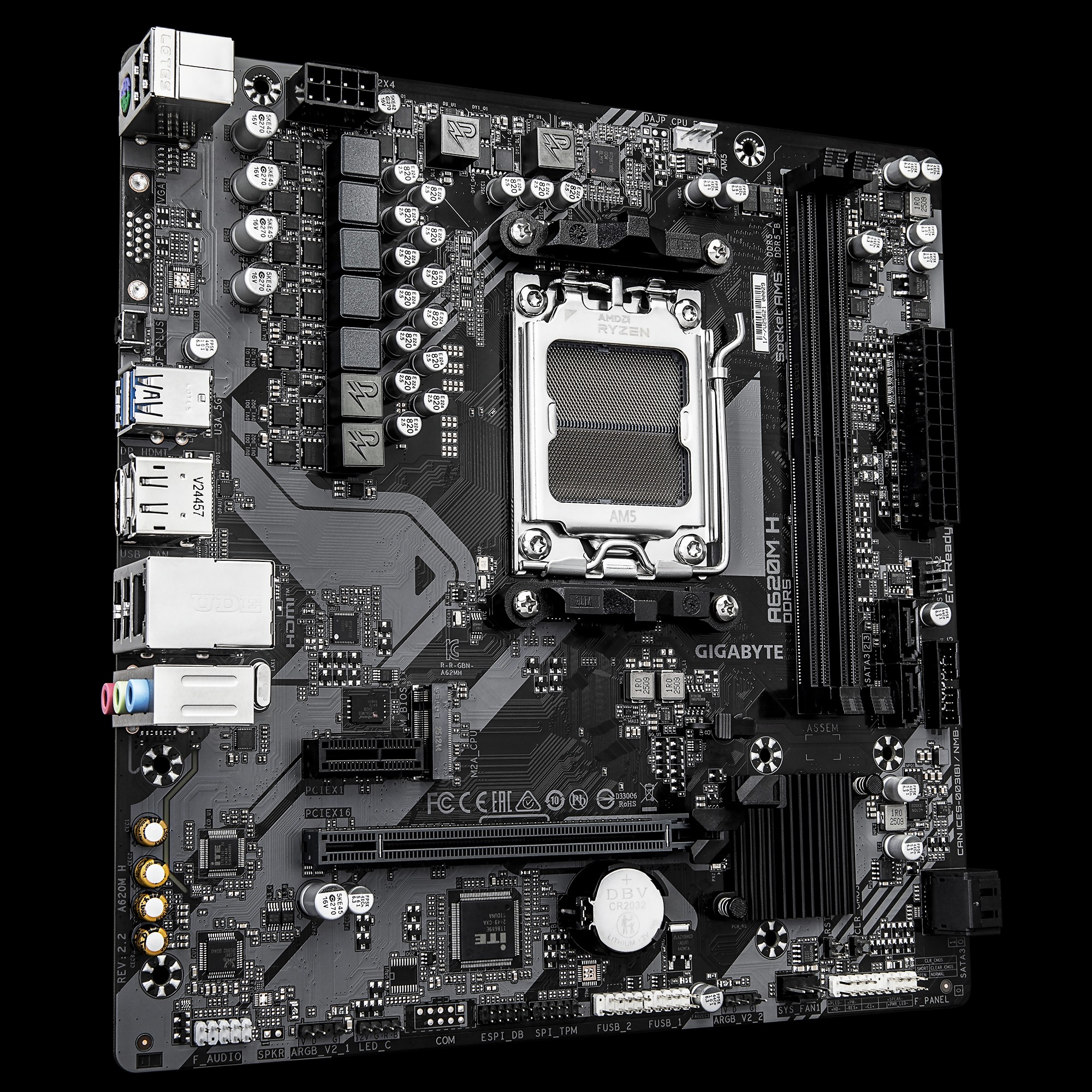
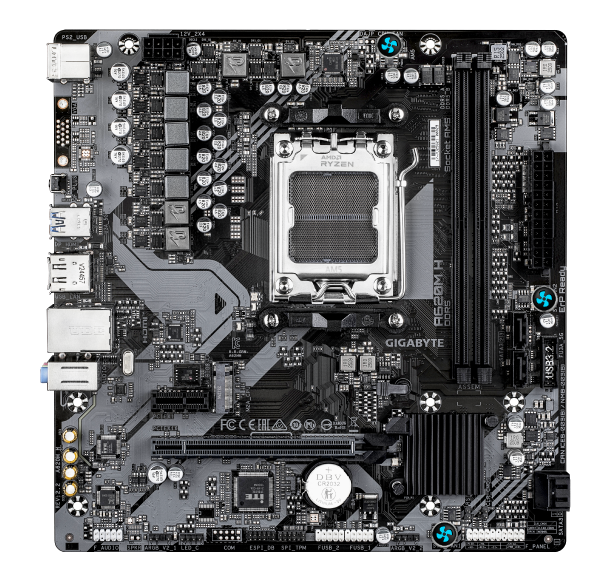
- AMD Socket AM5:Supports AMD Ryzen™ 7000 / Ryzen™ 8000 / Ryzen™ 9000 Series Processors
- Unparalleled Performance:5+2+2 Phases Digital VRM Solution
- Dual Channel DDR5:2*SMD DIMMs with AMD EXPO™ & Intel® XMP Memory Module Support
- SuperSpeed Storage:PCIe 4.0 x4 M.2 Connector
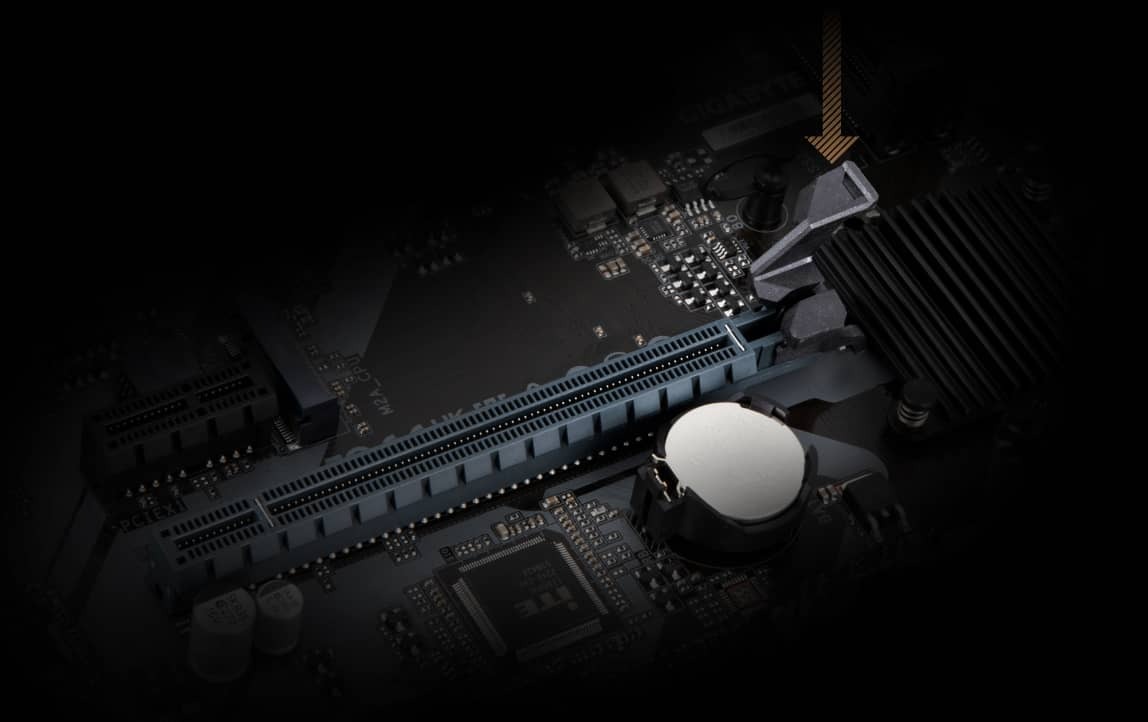
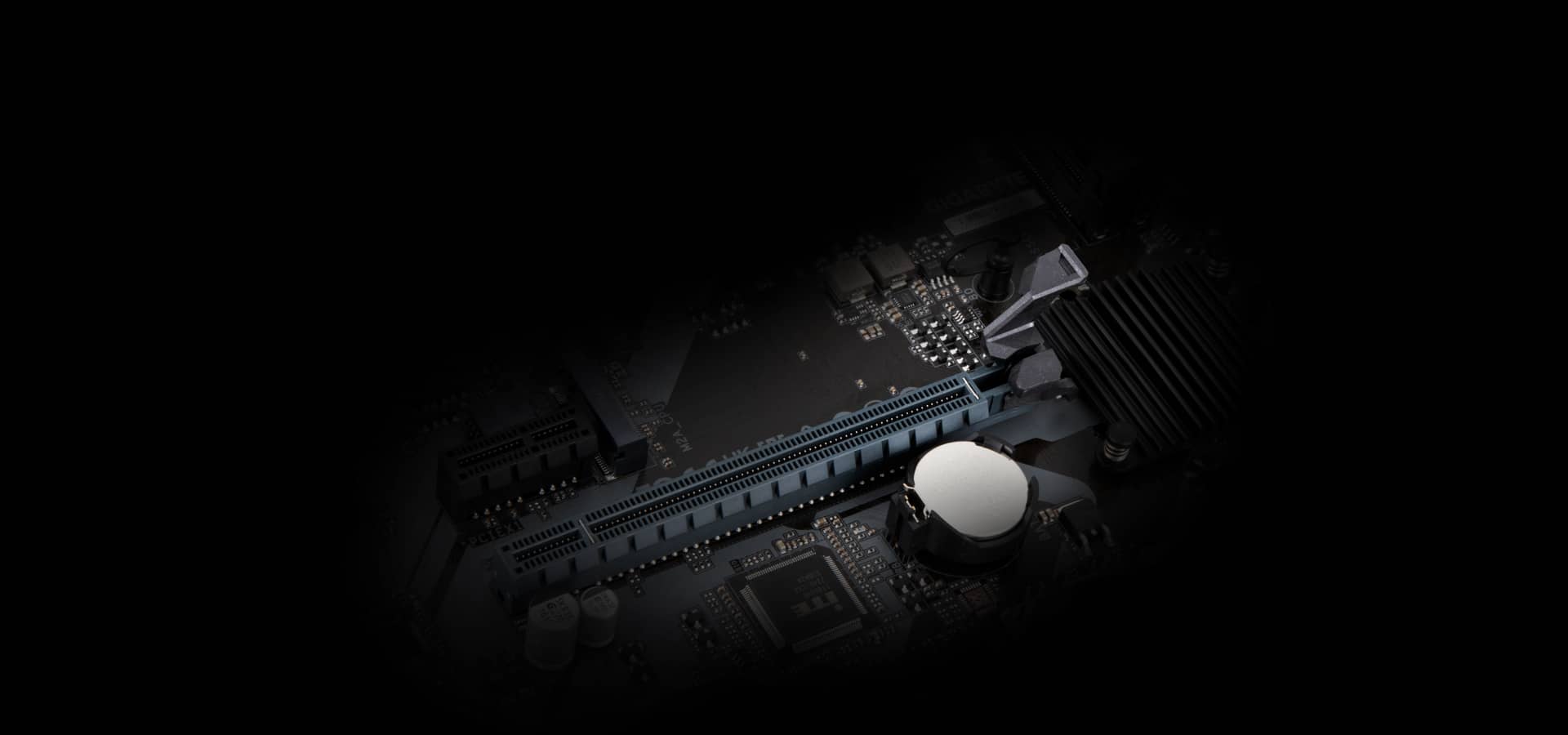
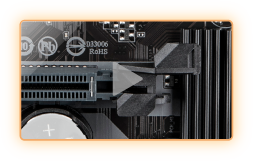
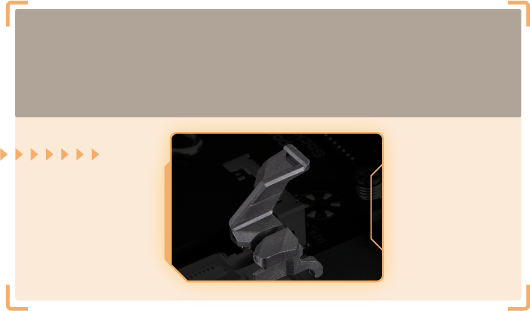
- EZ-Latch:PCIe x16 Slot with Quick Release Design
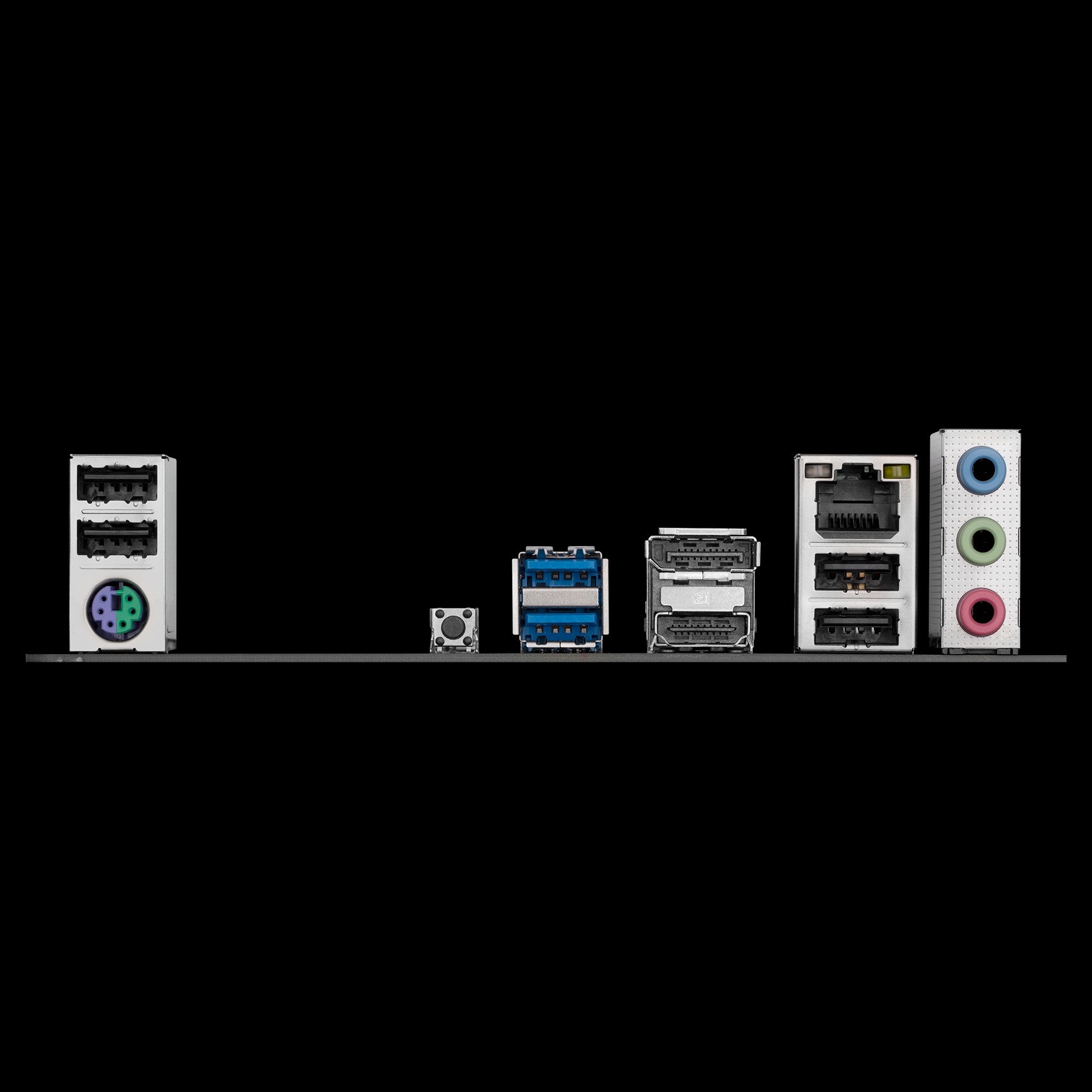
- Fast Networks:GbE LAN
- Extended Connectivity:DP, HDMI
- Smart Fan 6:Features Multiple Temperature Sensors, Hybrid Fan Headers with FAN STOP
- Q-Flash Plus:Update BIOS Without Installing the CPU, Memory and Graphics Card


Reviews
There are no reviews yet.